
ATMA Stash to D2R Converter
Web-based converter for moving old ATMA or PlugY stash files into Diablo II: Resurrected .d2i stash format.
Reviewed Legacy
A widely used mod manager for Diablo II: Resurrected that helps install and combine multiple D2R mods.
D2RMM is the D2RMM mod manager that most of the Diablo II: Resurrected modding scene is built around. Created by olegbl and first released on Nexus Mods in February 2022, it lets players install several D2R mods at the same time, even when those mods change the same game files, and it has become the standard way to run small quality-of-life and balance addons in offline Diablo II: Resurrected.
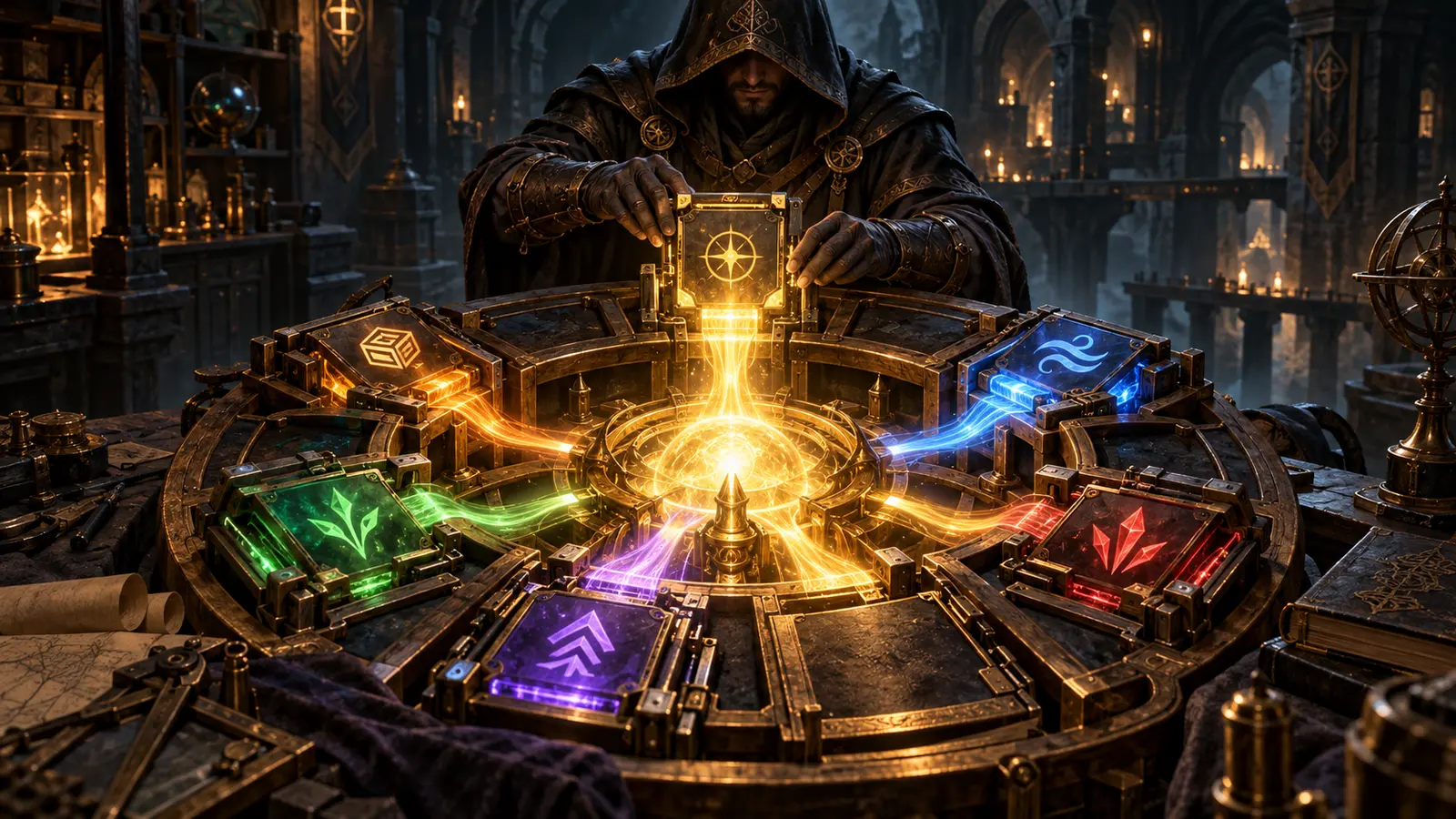
Classic Diablo II mods usually ship as complete replacement files. If two mods both replace the same data table, only one of them can win, and players have to merge changes by hand. D2RMM solves that problem with its own mod format: instead of shipping a finished file, each mod describes how a file should be changed. The manager reads the original game data, applies every enabled mod in load order and writes one combined result. That is why a stash expansion, a loot filter, a drop-rate tweak and a stack-size mod can all run together without overwriting each other.
The author’s Nexus page lists more than 400 mods built for the platform, and a large share of the D2R addons in the D2 Horadric catalogue require it, including Expanded Stash (16×13), D2R Tweak Control, Stackable Runes, Show Item Level, D2R Simple Loot Filter and Better Experience and Leveling.
Mods for the platform are small packages with a configuration file and a JavaScript or TypeScript script, or plain data for simpler changes. Each mod can expose its own settings, so players adjust values such as stash size or drop multipliers in the manager’s interface rather than editing text files. Mod scripts run in a sandbox. The tool extracts the files it needs from the game’s CASC storage using CascLib, then builds a separate mod folder. The game is launched with the -mod D2RMM -txt parameters, so the original installation stays untouched and removing mods is a matter of launching without those parameters.
Recent versions added Steam and Steam Deck support, handling for Nexus download links and collections, drag-and-drop installation of .zip mods, localisation in the same languages as the game, a built-in auto-updater and an experimental save editor that understands modded data. Windows is the primary platform; macOS and Linux builds are listed by the author as experimental.
The official D2RMM download is hosted on Nexus Mods, with source code and releases on GitHub. After the D2RMM download finishes, extract the archive to any folder, open Settings and point the manager to the Diablo II: Resurrected game directory. Place mods in the mods folder or drag a .zip onto the window, enable and configure them on the Mods tab, then click Install Mods. Launch the game from the manager’s own button, or from Battle.net with -mod D2RMM -txt added to the launch options. Because the application is portable, it is easy to keep several separate setups, and a fresh D2RMM download can live next to an older one while testing a new version.
The project is actively maintained, but updates can occasionally break things. In July 2026 several users reported that version 1.9.1 crashed while reading game data and hid the mod list; the author investigated the logs and the follow-up 1.9.2 build resolved it for affected players. The most common recurring error is “Failed to open CASC storage”, usually caused by folder permissions or damaged game files; the documented workaround is extracting the data with CascView and switching the manager to pre-extracted data mode.
Save files deserve care. Items that only exist because of a mod, such as stacked gems, can make a character unreadable if that mod is later removed, so players should clear those items before disabling the mod. Saves created with other loaders are not guaranteed to work. Some antivirus tools have also flagged recent builds as false positives. Finally, the D2RMM mod manager is intended for offline and single-player play: modded clients are not supported on Blizzard’s online realms.
This is the right starting point for anyone who wants to adjust vanilla Diablo II: Resurrected offline: bigger storage, cleaner loot, faster progression or a custom balance mix. It is not needed for total-conversion mods that ship their own launcher, and it is not a way to play modded characters on Battle.net ladders. Players who plan to write their own changes will also find the documented mod API and example mods useful, because a single script can replace a long list of manual table edits.
As a D2R mod manager, D2RMM is the most important utility in today’s modding ecosystem. It turns what used to be a fragile file-merging exercise into a repeatable, configurable setup, and its open-source MIT licence, active development and very large mod library make it a safe default recommendation. The occasional regression after an update and the need to handle modded saves carefully keep it from a perfect score, but for offline Diablo II: Resurrected there is no practical alternative that covers as much of the addon scene.