UVLoD / Ultimate Vanilla LoD
A classic Diablo II: Lord of Destruction vanilla enhancement mod that adds Uber Quests, World Event, custom portals, cube recipes, QoL tweaks…
Reviewed Legacy
Diablo II, Lord of Destruction and D2R modifications, addons and overhauls.
Diablo 2 mods can turn a familiar journey through Sanctuary into a very different experience. Some projects preserve the original balance and add only practical improvements, while others rebuild skills, items, monsters, progression and endgame systems. The D2 Horadric directory brings these releases together across the original Diablo II, Lord of Destruction and Diablo II: Resurrected, giving players one place to compare scope, compatibility, play mode and installation method.
This catalog includes modern additions as well as historically important Diablo II mods that still matter to the community. Every profile focuses on what the project changes, which version of the game it supports, whether it is intended for offline or multiplayer use and where its official documentation can be found. Older releases remain visible when they are useful for preservation or still playable on a supported legacy installation.
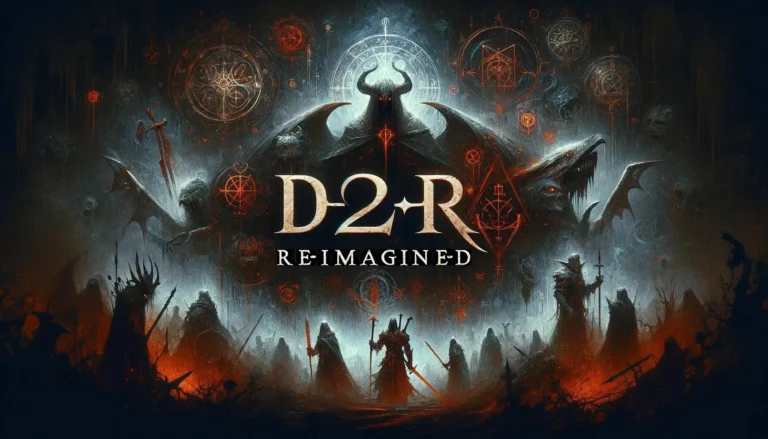
Diablo 2 Resurrected mods range from focused interface changes to large gameplay rebuilds. Many D2R mods improve storage, inventory space, loot visibility, mercenaries, leveling, cube recipes or access to in-game information. Projects such as D2R Reimagined go further by expanding itemization, class balance and progression, while smaller additions concentrate on one clearly defined feature.
Classic Diablo 2 LoD mods often change more of the underlying game. Total conversions and long-running overhauls may introduce new campaigns, skill systems, crafting paths, monsters, bosses and endgame areas. Projects such as Eastern Sun, Zy-El, Nezeramontias and The Era of Destruction belong to different periods of the modding scene and may require different base patches, launchers or installation structures. Always check the supported version before placing files into an existing game folder.
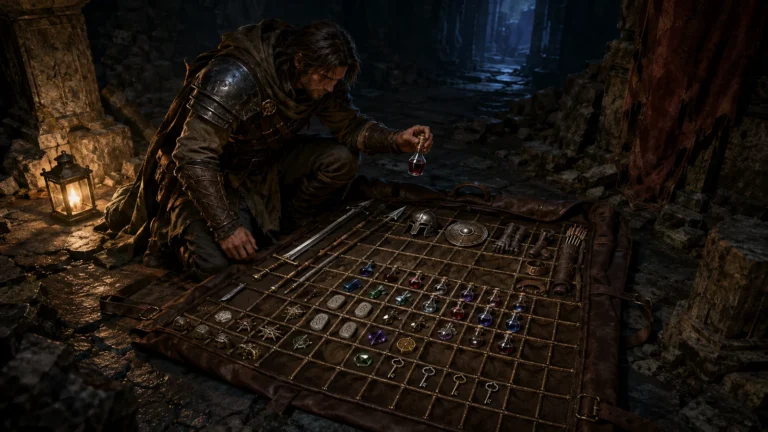
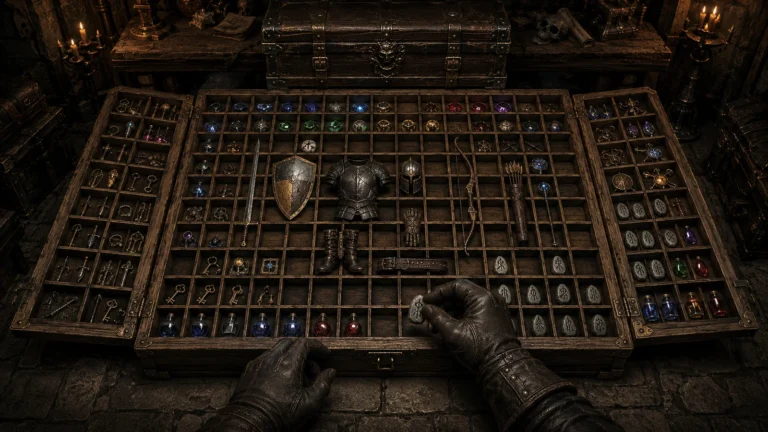
D2RMM mods are designed to work through the D2R Mod Manager framework. They commonly provide targeted quality-of-life changes such as an expanded stash, larger inventory, stackable runes, clearer item labels, loot filters, UI reference panels or adjusted progression. D2RMM can simplify installation and configuration, but it does not guarantee that every combination is compatible. Two additions that edit the same data may overwrite or conflict with one another, so build a setup gradually and test it before committing an important character.
Diablo 2 overhaul mods have a broader purpose. Instead of changing one interface element or numerical value, they can redesign character builds, equipment, drop systems, difficulty and post-campaign progression. Vanilla+ projects occupy the middle ground: they keep the recognizable structure of Diablo II while improving balance, build diversity and convenience. The Mod Type filter helps separate total conversions, gameplay enhancements, single-player projects, D2RMM addons and smaller visual improvements.
Diablo 2 single player mods are useful for players who want expanded progression, quality-of-life features or a self-contained economy without joining an online realm. Offline projects may modify save data, item formats or game tables, so characters created with one setup should not automatically be moved into another. Keep separate saves for heavily modified playthroughs and review migration notes before updating.
Most local D2R modifications should be treated as offline-only unless the developer explicitly documents another supported environment. Do not assume that modified files are compatible with official Battle.net. Some classic projects include TCP/IP, community multiplayer or their own online infrastructure, while others are strictly local. D2 Horadric records the available play mode and compatibility information in each profile so that an offline addon is not confused with a private server or official ladder experience.
The Diablo 2 mods download process should begin with the developer’s official website, verified repository or an established platform such as Nexus Mods or ModDB. D2 Horadric links to source locations but does not repackage third-party files. Before installation, read the author’s instructions, confirm the required game version and check whether the release needs D2RMM, D2SE, a manual mod folder, launch parameters or a clean standalone copy.
Back up characters, shared stash data and configuration files before changing versions. Keep a copy of the installer or archive used for the current playthrough, because a later release may alter items, recipes or character data. When installing several small additions, enable them one at a time. This makes conflicts easier to identify and gives you a reliable point to restore if the game stops launching or a save behaves unexpectedly.
The catalog is organized around practical player information rather than download volume alone. Listings record the supported game, project type, play mode, installation method, status, last review date and available source links. Editorial scores consider scope, documentation, usability, stability, community value and continuing relevance, while clearly separating an active release from a legacy or unverified project.
Use the filters to narrow the catalog by game version, feature set or installation method, then open an individual profile for requirements, compatibility notes, related projects and available gameplay media. Whether you want a conservative Vanilla+ adjustment, a focused D2R addon or a complete conversion, the goal is to help you understand what will change before you modify the game.