ReMoDDeD — Diablo 2 Resurrected Overhaul Mod
About ReMoDDeD ReMoDDeD is a large Diablo 2 Resurrected overhaul mod that rebuilds character progression, skills, itemization, crafting, monsters, bosses and endgame…
Reviewed Active
Diablo II: Resurrected Reign of the Warlock loot filter that adds item icons, colorized labels, glyphs and cleaner visual readability.
Clean Loot Filter (RoTW) is a visual loot and UI readability mod for Diablo II: Resurrected, built for the Reign of the Warlock era on D2RMM. It adds icons to nearly every item, replaces quality prefixes with short glyphs and labels, and allows broad item colorization, all aimed at making a busy drop pile easier to read at a glance without touching what actually drops.
The mod is authored by Penoplast and has a longer history than its current name suggests: it began as “Simple Loot Filter (Eng and Rus)” in November 2025, was renamed “Clean Loot Filter (Eng and Rus) LoD” that December, and settled into its current Reign of the Warlock-focused form by mid-2026. The current release, v4.2, was published on 6 August 2026, continuing a steady cadence of point updates.
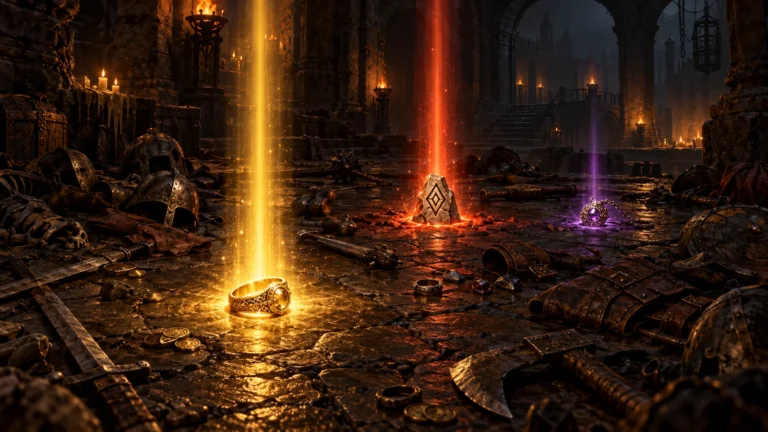
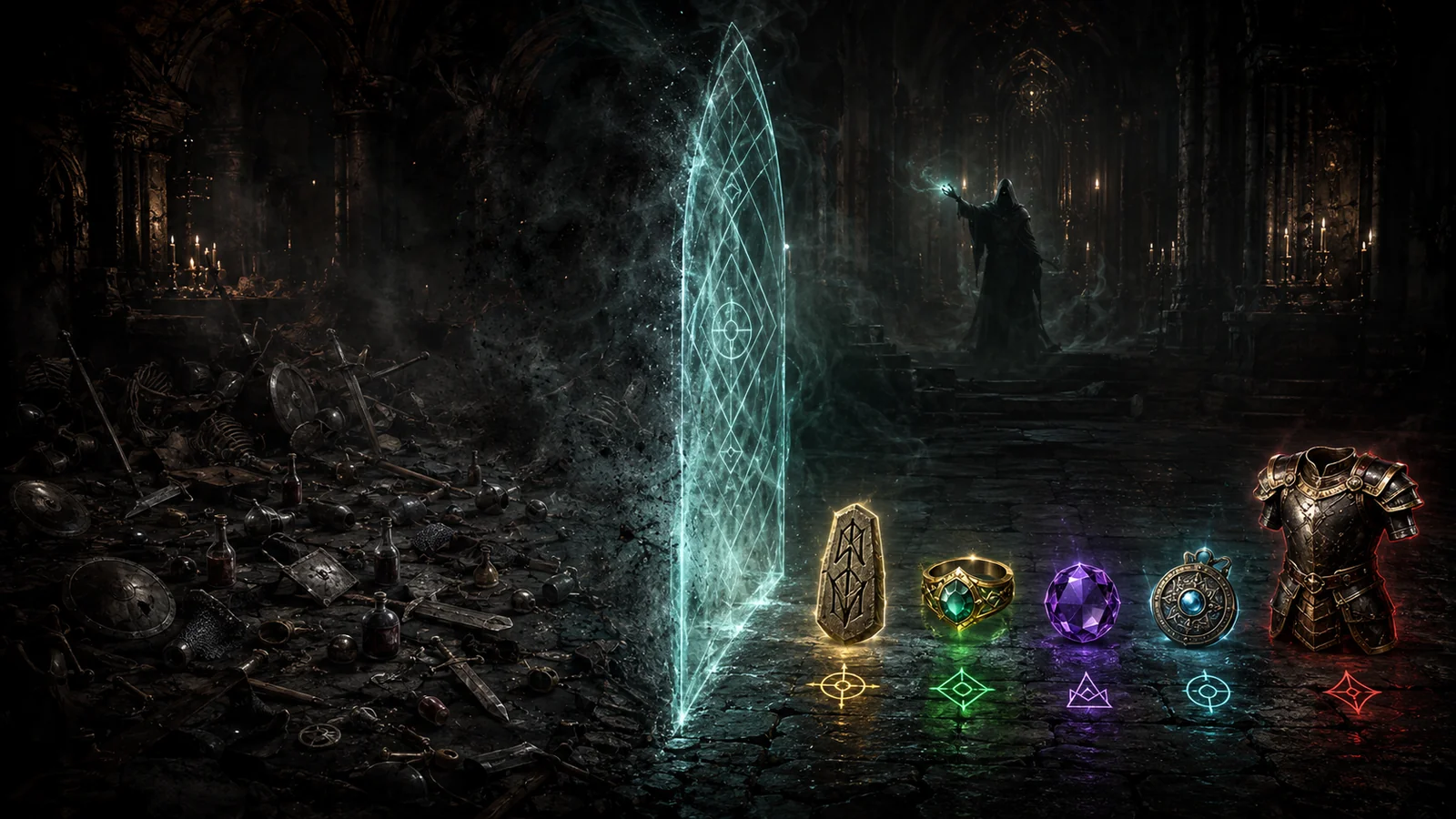
The core of the RoTW loot filter item icons system is visual recognition rather than suppression. Nearly all items receive an icon, quality prefixes are shortened or replaced with glyphs, and elite and exceptional gear get their own base-quality tags. Item colorization can be applied broadly across categories, and the author states plainly that the mod “doesn’t change loot or drop rates in any way,” which is also why it is described as suitable for online Battle.net and Steam play rather than only offline use.
A meaningful part of recent development has gone into language support rather than new visual features. The author has described how other loot filters broke Russian item-affix display for unclear reasons, and Clean Loot Filter (RoTW) instead standardizes item-name capitalization without altering the underlying strings. Version 3.8 added Japanese support and fixed a Korean chat issue, while removing Chinese support entirely because of font-rendering problems the author could not resolve. Current language coverage includes English, French, German, Italian, Japanese, Polish, Spanish, Russian, Korean, Portuguese and Vietnamese.
Because its language files are too large to patch incrementally, Clean Loot Filter (RoTW) needs to sit at the very top of the D2RMM load order rather than being layered on afterward. The author has added support for running it alongside global overhauls such as D2R Reimagined, on the condition that this filter loads after them, and separately notes compatibility with Light Pillars Expanded for players who want both visual addons together. As with any filter that overrides language and label data, players combining it with several other UI or text mods should still confirm load order behaves as expected in their own setup.
The official Clean Loot Filter (RoTW) download is hosted on Nexus Mods. With D2RMM installed and configured, place the mod folder into the D2RMM /mods/ directory, enable it, move it to the top of the load order, and click Install. For online Battle.net or Steam characters, the game should be launched with the -mod D2RMM -txt parameters rather than a plain shortcut.
This addon suits players who want faster, easier-to-read loot recognition without any risk to online eligibility, since it changes nothing about what drops or how often. Multi-language players across most of the supported list, and anyone already running D2R Reimagined or Light Pillars Expanded, are specifically catered for by its documented compatibility notes. Players who need Chinese-language support, or who are looking for a filter that also adjusts drop rates or density rather than presentation, should look elsewhere in the wider Diablo 2 mods directory.
Clean Loot Filter (RoTW) has quietly evolved through several names and versions since late 2025 into a focused, actively updated visual filter, and its explicit stance on being online-safe and not touching drop rates gives it a clear identity next to heavier gameplay-altering addons. Its main practical limits are the top-of-load-order requirement and the dropped Chinese-language support, both worth checking against a player’s existing D2RMM setup before installing.