ReMoDDeD — Diablo 2 Resurrected Overhaul Mod
About ReMoDDeD ReMoDDeD is a large Diablo 2 Resurrected overhaul mod that rebuilds character progression, skills, itemization, crafting, monsters, bosses and endgame…
Reviewed Active
Diablo II: Resurrected D2RMM loot filter focused on color-coded labels, pictogram icons, rune visibility, modifier highlights and cleaner UI readability.
Caleb’s Loot Filter (D2RMM) is a loot-readability and UI addon for Diablo II: Resurrected built on D2RMM. Rather than hiding items outright the way a traditional filter does, it focuses on making everything already on the ground easier to read at a glance, recoloring item labels, tooltips and item linking and layering in pictogram icons, rune-visibility effects and a handful of general UI conveniences.
The mod is authored by Caleb and has moved quickly since its first upload in February 2026, reaching version v1.4.4 by the end of March 2026 through a series of point releases. It is designed with online play in mind: the description explicitly frames it as safe to use rather than a hidden or banned-style filter, and it ships full support for all 13 languages Diablo II: Resurrected offers.
The core of the D2RMM loot filter item labels system is Diablo’s existing color-code language combined with custom Unicode pictograms, applied consistently across ground labels, tooltips and item linking. Fast-ID modifier tagging and socketed-modifier recolor make it quicker to judge an item’s relevant properties without opening a full comparison, while darker tooltip and ground-loot backgrounds are meant to improve contrast during busy fights.
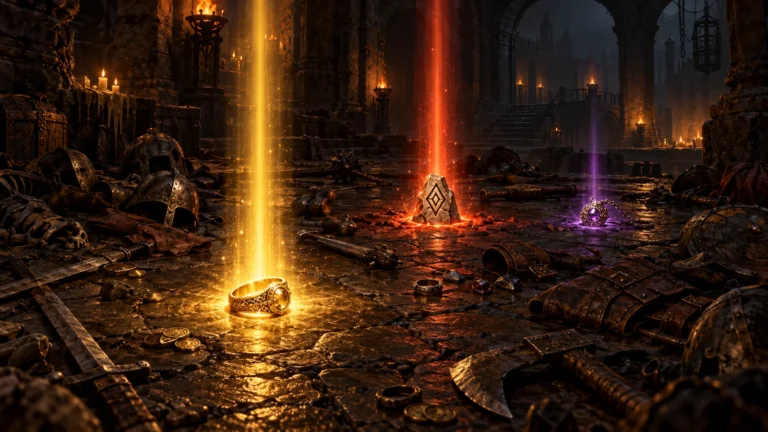
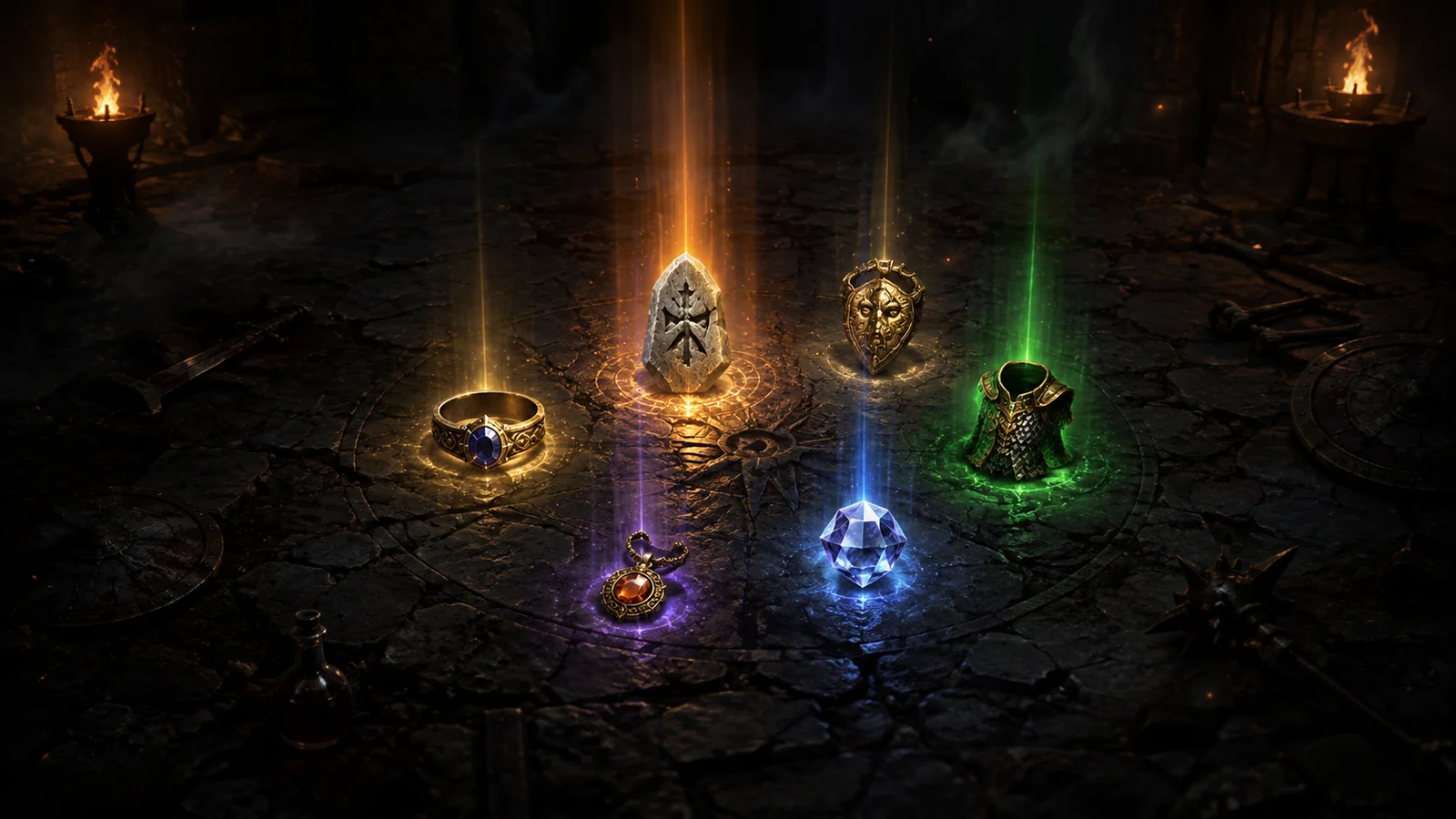
High runes from Pul through Zod get distinct visibility effects, larger clickboxes and boosted, distinguishable drop sounds, so a valuable rune is less likely to be missed in a crowded drop. Beyond runes, the mod adds GPS Beacons for navigation, a Horadric Cube recipe interface, and Diablo Clone progress messages shown as a simple “[X/6]” counter. General UI additions include an optional no-loading-screens mode, Quick Play difficulty buttons, an Experience Bar, Blue Flame Lootables, and support for controller as well as keyboard-and-mouse input, IME text entry and Large Font Mode. Players who want to adjust modifier colors or remove the opening-screen credits can edit the mod’s own JSON string files directly, since the author has stated that none of the customization is locked behind hidden sprite assets.
Installation depends on two separate D2RMM mods rather than one: the base D2RMM mod manager and the mandatory companion Settings Font Fix for D2RMM, which this filter needs to render its text correctly. When asked directly about running it alongside the D2R Reimagined overhaul, the author’s own answer was that it “most likely will break,” so the two should not be assumed compatible. A small number of users have also reported the D2RMM installation process stalling partway through; the author treats this as a D2RMM-side issue rather than a fault in the filter itself and directs affected players to the mod’s Discord for troubleshooting.
The official Caleb’s Loot Filter (D2RMM) download is hosted on Nexus Mods. With D2RMM and Settings Font Fix installed and configured, extract this mod’s folder into the D2RMM /mods/ directory, enable it, and click Install Mods. The author’s documentation specifies launching the game with the -mod D2RMM -txt parameters rather than a plain shortcut, which is worth checking if labels or fonts fail to appear correctly after installation.
This addon suits players who want denser, easier-to-read information on every drop rather than fewer drops overall, including online-safe characters who cannot risk a filter that behaves like an unauthorized hack. Multi-language players, controller users and anyone running Large Font Mode are specifically catered for. Players who instead want items hidden or suppressed outright, or who are already running a large overhaul such as D2R Reimagined, should treat this filter as a poor match and look elsewhere in the wider Diablo 2 mods directory.
Caleb’s Loot Filter (D2RMM) packs an unusually broad set of readability features into one addon and has been updated rapidly since its February 2026 debut, which does not match a “legacy” or abandoned label. Its main trade-offs are a mandatory second dependency, a stated compatibility risk with D2R Reimagined, and the occasional D2RMM installation hiccup reported by users. For a strictly vanilla or lightly modded D2RMM setup, though, it is a substantial and actively maintained upgrade to how loot reads on screen.