ReMoDDeD — Diablo 2 Resurrected Overhaul Mod
About ReMoDDeD ReMoDDeD is a large Diablo 2 Resurrected overhaul mod that rebuilds character progression, skills, itemization, crafting, monsters, bosses and endgame…
Reviewed Active
Diablo II: Resurrected D2RMM UI mod that adds in-game breakpoint and Horadric Cube recipe information panels.
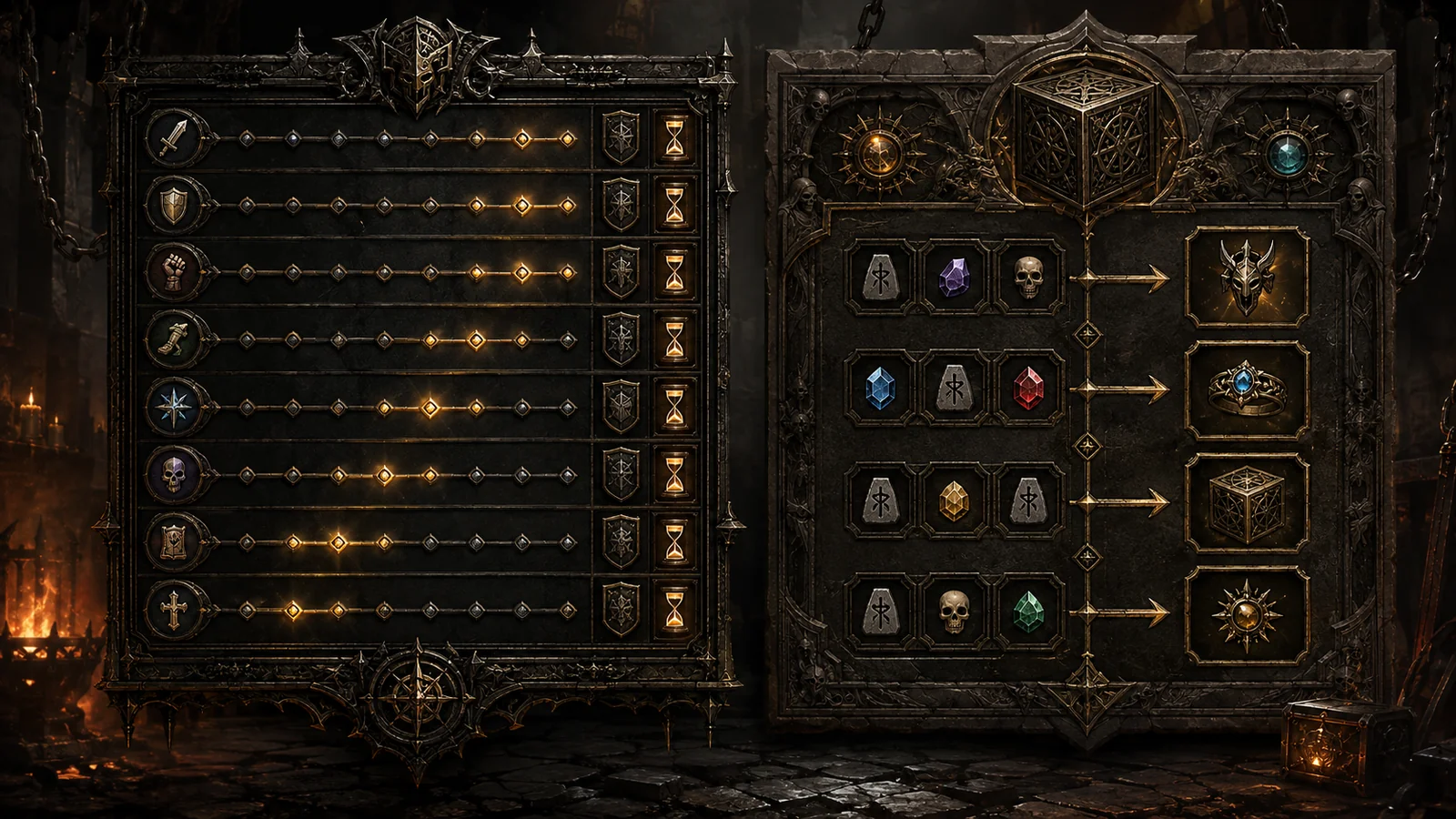
Breakpoint and Recipe UI Panels for D2RMM is a quality-of-life interface addon for Diablo II: Resurrected that keeps two commonly checked references inside the game: character breakpoints and useful Horadric Cube recipes. Instead of repeatedly switching to a browser while adjusting a build or preparing cube materials, players can open dedicated information panels through the game interface.
The D2RMM breakpoint and recipe panels are designed for practical build planning and crafting. The breakpoint panel provides an in-game reference for important animation thresholds, while the recipe panel collects useful cube formulas in a format that can be checked beside the Stash or Cube. The author intentionally includes a curated selection rather than every recipe in Diablo II: Resurrected, keeping the panel focused on frequently useful options.
Individual panels can be enabled or disabled from the mod’s D2RMM settings. Recipe-panel access can also be configured independently for the Stash and Cube. Earlier releases added Clear Sockets and repair recipes and corrected specific upgrade and crafting entries, while version 1.7 added Warlock breakpoint data.
The official Breakpoint and Recipe UI Panels for D2RMM download is hosted on Nexus Mods. Install and configure D2RMM, extract the BreakpointRecipePanels folder into the D2RMM /mods/ directory, choose which panels to enable through the settings button, and click Install Mods before launching Diablo II: Resurrected. The addon does not require manual replacement of game files or save-file editing.
Players using an expanded Stash or Cube mod need to place that expansion before Breakpoint and Recipe UI Panels in the D2RMM load order. Expanded Stash by olegbl was tested by the author, but compatibility is not guaranteed for every mod that changes the Stash or Cube layout.
This addon is most useful for offline and single-player D2RMM characters during build testing, faster cast rate or recovery planning, crafting sessions, socket management, and rune upgrading. It is intended for a modded D2R setup rather than unmodified Battle.net characters. Players who only need a complete external database may prefer a browser-based reference, but anyone already using D2RMM can keep the most practical information inside the game.
This is a focused interface utility rather than a gameplay overhaul: it changes no balance, drops, character power, or item generation. Its strength is the combination of two everyday reference tools, useful configuration options, and continued maintenance by Finkster. It pairs particularly well with Runewords Info UI Panel for D2RMM, giving a D2RMM setup in-game access to breakpoints, cube recipes, and runeword information without unnecessary alt-tabbing.