
ATMA Stash to D2R Converter
Web-based converter for moving old ATMA or PlugY stash files into Diablo II: Resurrected .d2i stash format.
Reviewed Legacy
Simple Diablo II: Resurrected loot filter focused on high runes, valuable item visibility and cleaner UI readability.
This is one of the first loot filters made for Diablo II: Resurrected. Created by Cbraqz and uploaded to Nexus Mods on 13 October 2021, only weeks after the game launched, the original D2R Simple Loot Filter recolours and relabels item names on the ground so that runes, gems and potions are easy to read and junk fades into the background. It is no longer maintained: the author marks it as outdated and points players to an updated version that is still developed today.
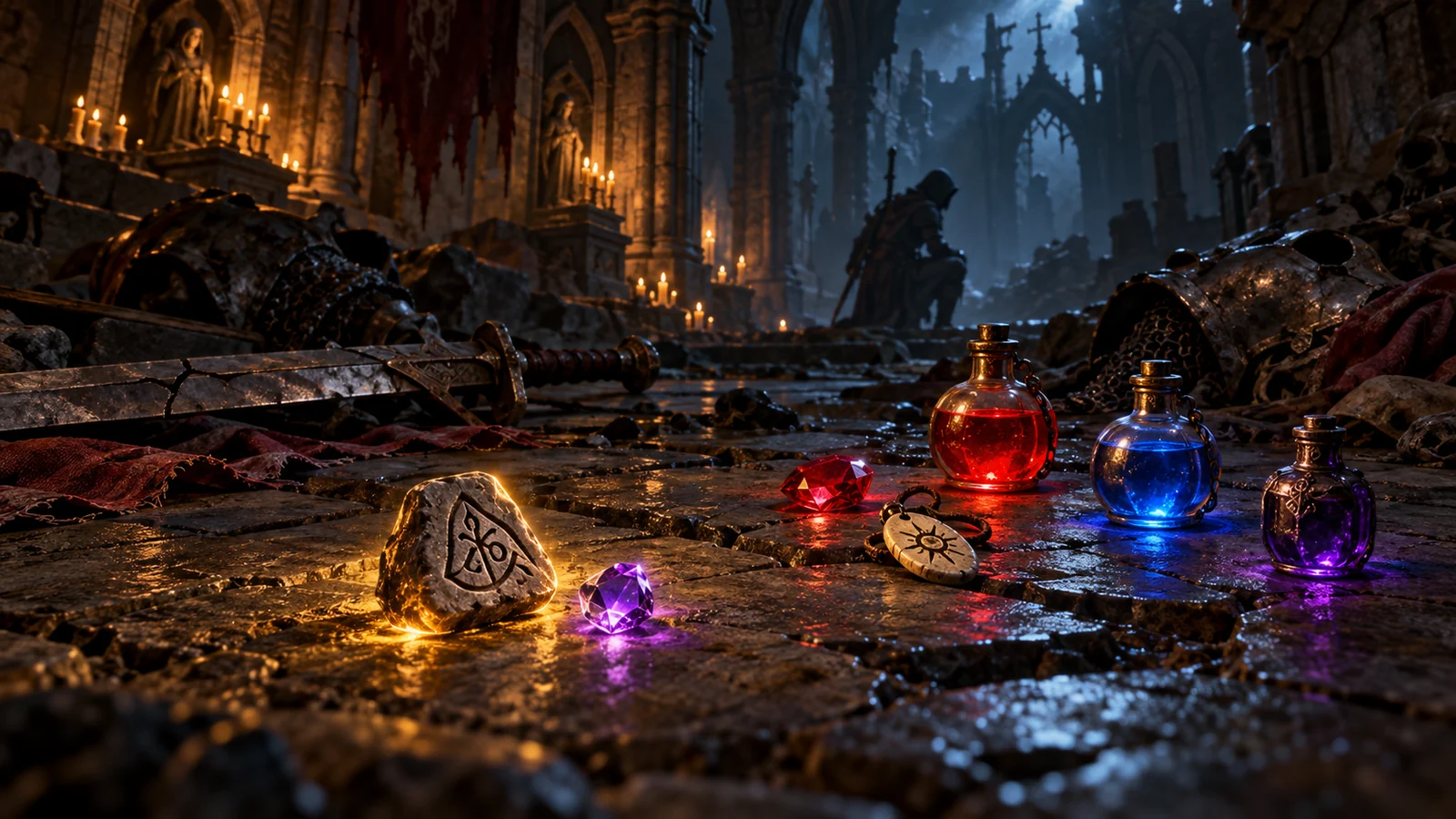
The filter works by editing the game’s item-name strings rather than adding a new interface. Runes get their number in brackets, from (1) to (33), and high runes from about number 20 upward receive larger, more visible labels. Gems are marked by quality from chipped to perfect. Healing and mana potions are numbered by tier with their own colours, rejuvenation potions show their value, and antidote and thawing potions, Town Portal and Identify scrolls are clearly labelled. Low-quality, damaged, cracked and crude items are rendered almost invisible, which cuts down screen clutter without hiding normal base items. The labels are available in English only.
The Nexus page offers two methods from the launch period of Diablo II: Resurrected. The MPQ version creates a separate mod folder and is started with the -mod option, which also keeps separate save files. The older direct method extracts the game data with CascView, which needs around 30 GB of free space, replaces the relevant .json files and launches the game with -direct -txt. Both sets of instructions were written for the game as it was in October 2021, and D2R has received many patches since, including the Reign of the Warlock update in February 2026. Expect file names, folders or string entries to differ on a current installation.
Version 1.01, released on 14 October 2021, is the last update of the filter. The author’s note on the page says plainly that the mod is outdated and dates from the game’s release, and in 2023 he confirmed that he no longer plays or updates it. The project lives on in Warlock Update – MP Compatible edition, maintained by kabobist, which keeps the same clear style, supports current patches including Reign of the Warlock and is the version we recommend installing today. This page remains in the catalogue as a record of the original project and for players who want to compare the two.
Players who prefer to combine a filter with other mods usually install one through D2RMM, for example Caedendi’s Extended Loot Filter or Caleb’s Loot Filter, which can be adjusted in the D2RMM interface. Owners of the Reign of the Warlock expansion also have a built-in loot filter inside the game for the first time, with presets for highlighting valuable drops and hiding junk. For players who want the classic look of the 2021 release, the maintained Warlock Update remains the closest match.
Almost nobody should install version 1.01 on a current game. It can still be useful as a reference for modders studying how early D2R string-based filters were built, for players running an old, unpatched offline copy, or for anyone curious about how the filter looked before the community took it over. Everyone else will get the same readability, with fewer compatibility problems, from the updated edition or from a D2RMM filter.
If you still want to test it, use the MPQ version rather than the direct method, because it lives in its own mod folder and does not overwrite extracted game files. The -mod launch also keeps a separate set of saves, so your normal characters stay untouched, and going back to the unmodded game is as simple as starting without the option. Back up your save folder first anyway, and remove the mod folder completely before installing a newer filter so the two do not conflict.
The original release earned its popularity by being clear and restrained at a time when Diablo II: Resurrected had no filtering at all. Today it is an author-confirmed outdated release whose instructions predate years of patches, so we score it low and list it mainly for completeness. Install the maintained Warlock Update instead; it carries the same idea forward and works with the current game.