Hero Editor
Legacy Diablo II character save editor for offline characters, build testing and save-file experiments.
Reviewed Legacy
Classic Diablo II / LoD single-player muling tool for storing, sorting and transferring items outside the game.
ATMA, short for A Tenshi Muling Application, is one of the original single-player muling tools for classic Diablo II and Lord of Destruction. Created by Hakai_no_Tenshi, it opens offline character files, lets you drag items between characters and keeps unlimited items in its own stash files, so collectors never have to rely on risky in-game muling tricks. ATMA Diablo 2 builds cover patches 1.07 to 1.11 and a separate build for 1.13 and later.
GoMul
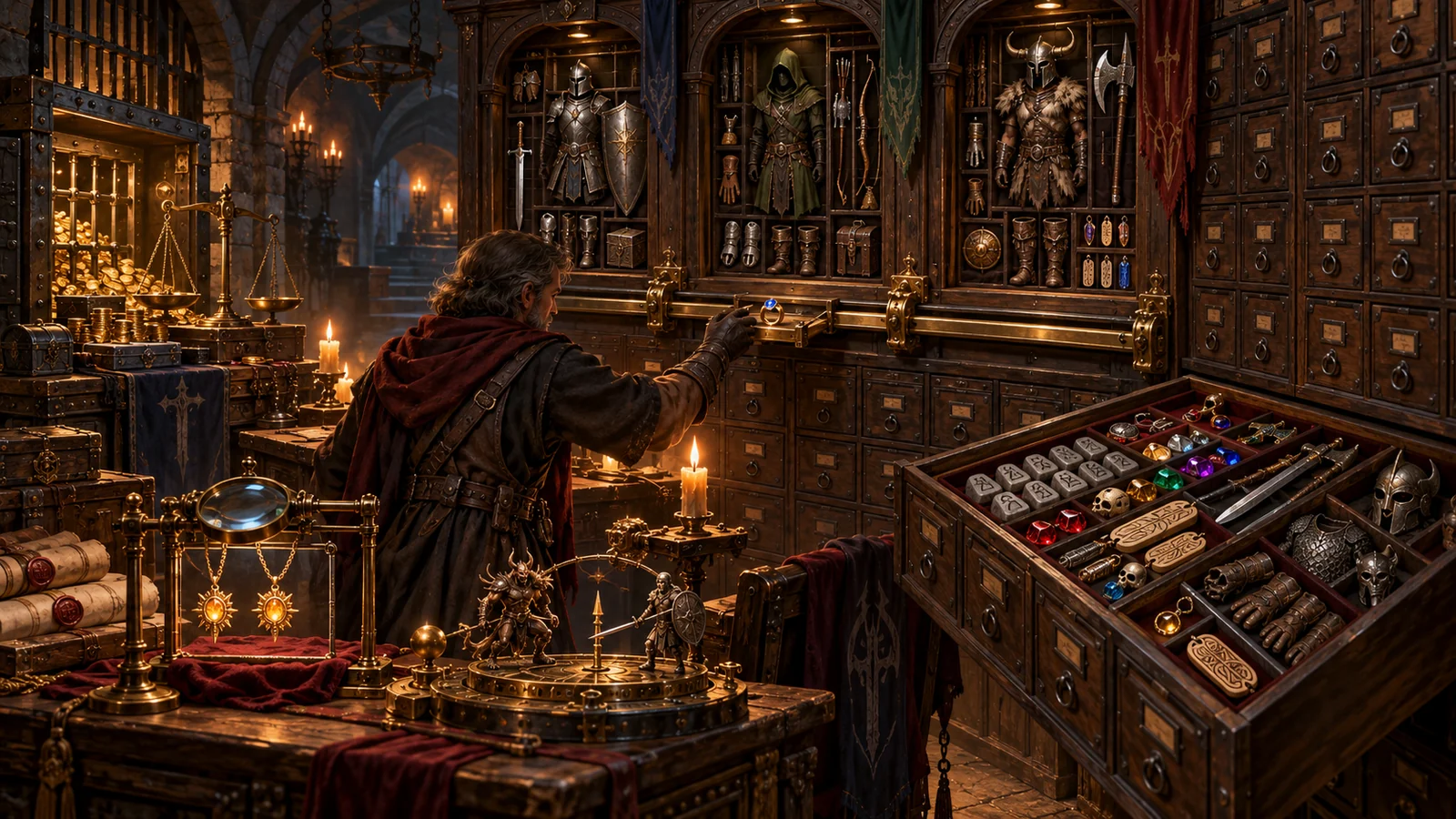
The main window shows your characters and their inventories in the familiar Diablo II style. Items can be dragged between characters, the Horadric Cube, corpses and even an Iron Golem, or into a .d2x stash file that grows without limit and sorts itself automatically. Item descriptions are colour-coded like in the game, with details for socketed and gemmed items, and uniques, sets, runewords, rares and crafted items are identified clearly. Character and mercenary stats and skills are displayed, and quest and waypoint progress can be viewed per difficulty. Item lists can be exported to text files for trading posts or personal records.
Several extra modules made it a complete toolkit. The Bank of ATMA moves gold between characters, even across game versions. DupeDetector scans characters, stashes and item files for duplicated items and can export the results, which was important in the era of duped items circulating between players. DropCalc calculates drop chances for patches 1.07 to 1.11 with support for the players setting and magic find. AutoGather imports many .d2i item files at once, FileWatch notices when the game changes a file, and command-line options can identify characters and items for scripts.
Every change creates an automatic backup with the .org extension, and up to nine backups are kept, which makes recovering from a mistake straightforward. Close Diablo II before opening characters, move items, save, and only then start the game again. Because the tool reads and writes the same files as the game, keeping a separate copy of your whole save folder before a big reorganisation is still good practice.
The ATMA page on PureDiablo offers ATMA V for 1.13 and later, the standard ATMA V for older patches and ATMA IV for very old setups. The page was last updated in March 2021, and the tool itself is long finished rather than actively developed. It only supports classic Diablo II and LoD; it does not read Diablo II: Resurrected saves and cannot touch Battle.net realm characters, which are stored on Blizzard’s servers.
Both tools share the same .d2x stash format, so a stored collection can be opened in the classic builds of GoMule; the project is still maintained and has separate builds for Diablo II: Resurrected. Players who want storage inside the game rather than an external stash usually choose PlugY. If you are moving an old ATMA or PlugY collection to Resurrected, be aware that the browser-based ATMA Stash to D2R Converter writes the format D2R used at launch, which current GoMule builds for Resurrected no longer open.
It is still a good choice for classic LoD players on patch 1.13 or older who want a simple, proven Diablo 2 muling tool with a gold bank, dupe checking and built-in drop calculations. Players on 1.14d or Resurrected will be better served by GoMule, and players who prefer staying inside the game can use PlugY. Long-time collectors often keep it around simply to open old .d2x stashes from years ago.
Players use the program in a few recurring ways. Collectors move every unique and set item into one sorted stash and export the list as a checklist. Build planners pull gear from several mules onto one character to test a setup, then put everything back. Challenge runners set aside starter gear for each new character in a dedicated stash file. Returning players open stash files from years ago to see what survived. In each case the external stash, the backups and the clear item view do most of the work.
This is a classic that shaped how single-player Diablo II collectors work. Drag-and-drop muling, unlimited auto-sorted stashes, the gold bank, DupeDetector, DropCalc and automatic backups still make it a very capable tool for older LoD patches. It is no longer developed and does not support Resurrected or 1.14d, which keeps it behind GoMule for new setups, but for classic offline play it remains well worth having.