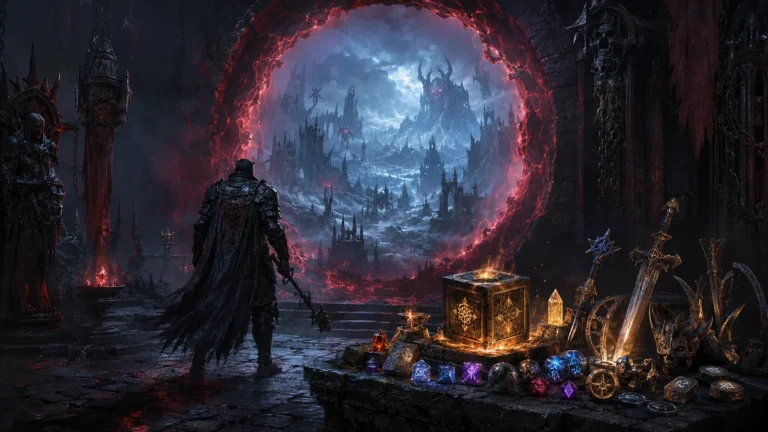
ReMoDDeD — Diablo 2 Resurrected Overhaul Mod
About ReMoDDeD ReMoDDeD is a large Diablo 2 Resurrected overhaul mod that rebuilds character progression, skills, itemization, crafting, monsters, bosses and endgame…
Reviewed Active
A maintained loot filter for Diablo II: Resurrected, updated for the Warlock DLC and multiplayer-compatible.
D2R Simple Loot Filter (Warlock Update – MP Compatible) is a maintained continuation of an earlier loot filter for Diablo II: Resurrected, rewritten to install cleanly through D2RMM, updated for the Reign of the Warlock expansion, and stated by its maintainer to work in multiplayer. Of the mods reviewed so far in this catalogue, this is one of the most consistently and recently maintained.
Originally built by Cbraqz and now maintained by kabobist, this D2RMM loot filter mod requires D2RMM and has reached v1.12 as of February 2026, with around 362 endorsements. Nexus lists it under “Miscellaneous.” Cbraqz has publicly endorsed the handoff, stating he won’t update his own original version further and will point players to this maintained continuation instead.
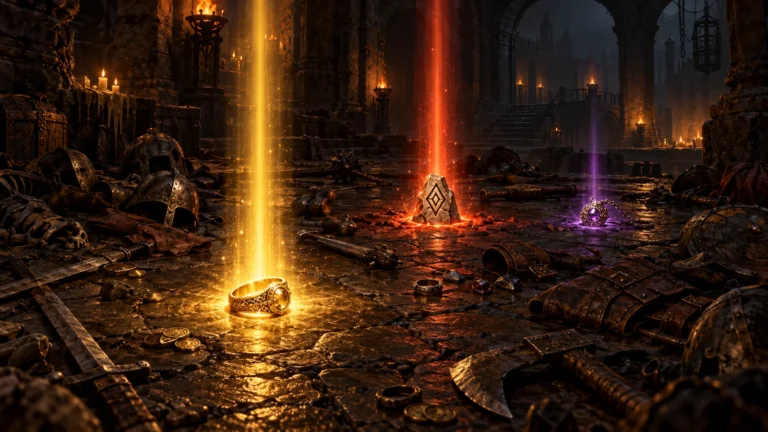
The mod recolors and relabels item text to make valuable drops easier to spot at a glance — modifier colors were adjusted for the Warlock expansion, charm coloring was changed to orange, and identify/portal scrolls were abbreviated to “ID” and “TP” for quicker recognition. Version 1.12’s main change was converting the filter to read and write through D2RMM’s file system rather than replacing game files directly, which the maintainer notes makes updates and toggling individual changes considerably easier.
The maintainer has used the filter online without issue since D2R’s launch, and multiplayer use is enabled by adding “-mod D2RMM -txt” to the Battle.net launcher’s command-line arguments. The Warlock expansion introduced skill-icon and related display issues that required updates to the mod’s profile and item data files, which kabobist addressed directly in the current version.
An1985Kos reported in May 2026 being unable to get the mod working after it moved to requiring the full D2RMM application rather than simple folder placement — a one-time setup change rather than an ongoing bug. Separately, Kuros reported in February 2026 that running this filter’s D2RMM workaround alongside the Expanded Stash mod can push the stash display off-screen, making it largely unusable; players running both mods together should watch for this conflict. kabobist has also acknowledged, in response to a March 2026 report from mccalas, that item-modifiers.json changes bleed into gem and rune descriptions as an unavoidable side effect of how Diablo II: Resurrected applies text coloring — disabling that specific file in D2RMM removes the effect for players who don’t want it.
The official D2R Simple Loot Filter (Warlock Update – MP Compatible) download is hosted on Nexus Mods and requires D2RMM. Extract the mod folder into the D2RMM /mods/ directory, enable it, and add “-mod D2RMM -txt” to Battle.net’s launch arguments for multiplayer use. Uploading, modifying, and converting this mod are all permitted with credit to the author, and assets can be used freely outside commercial or donation-point contexts — full terms are on the D2R Simple Loot Filter (Warlock Update – MP Compatible) download page.
This filter suits players who want faster, easier-to-read loot identification without replacing game files directly, including those playing online; checking the D2R Simple Loot Filter (Warlock Update – MP Compatible) download page’s comment section first covers most setup questions. It’s a strong pick given how actively kabobist maintains it, though anyone also running the Expanded Stash mod should check for the reported stash-display conflict first.
This is one of the best-maintained mods reviewed in this catalogue so far — a clean authorial handoff, a February 2026 update addressing the current expansion, an author who explains side effects rather than ignoring them, and stated multiplayer use without incident. The two known issues (initial D2RMM setup friction, a specific conflict with the Expanded Stash mod) are narrow and well-documented rather than signs of neglect. For a loot filter, that level of ongoing care is exactly what matters most.