ReMoDDeD — Diablo 2 Resurrected Overhaul Mod
About ReMoDDeD ReMoDDeD is a large Diablo 2 Resurrected overhaul mod that rebuilds character progression, skills, itemization, crafting, monsters, bosses and endgame…
Reviewed Active
Diablo II: Resurrected D2RMM mod that adds configurable light pillars over selected valuable ground drops.
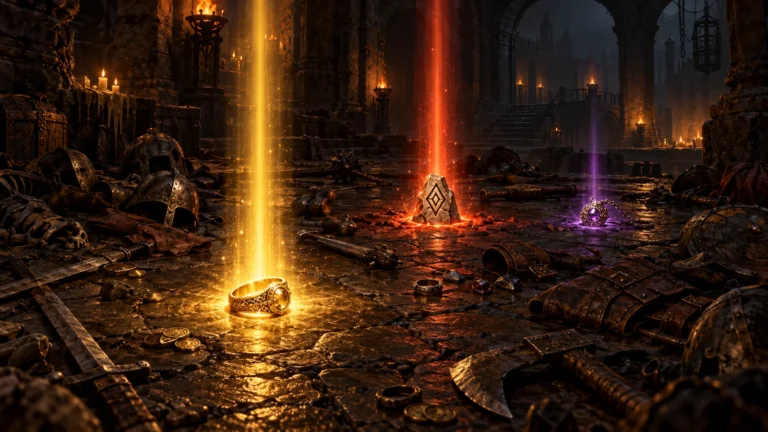
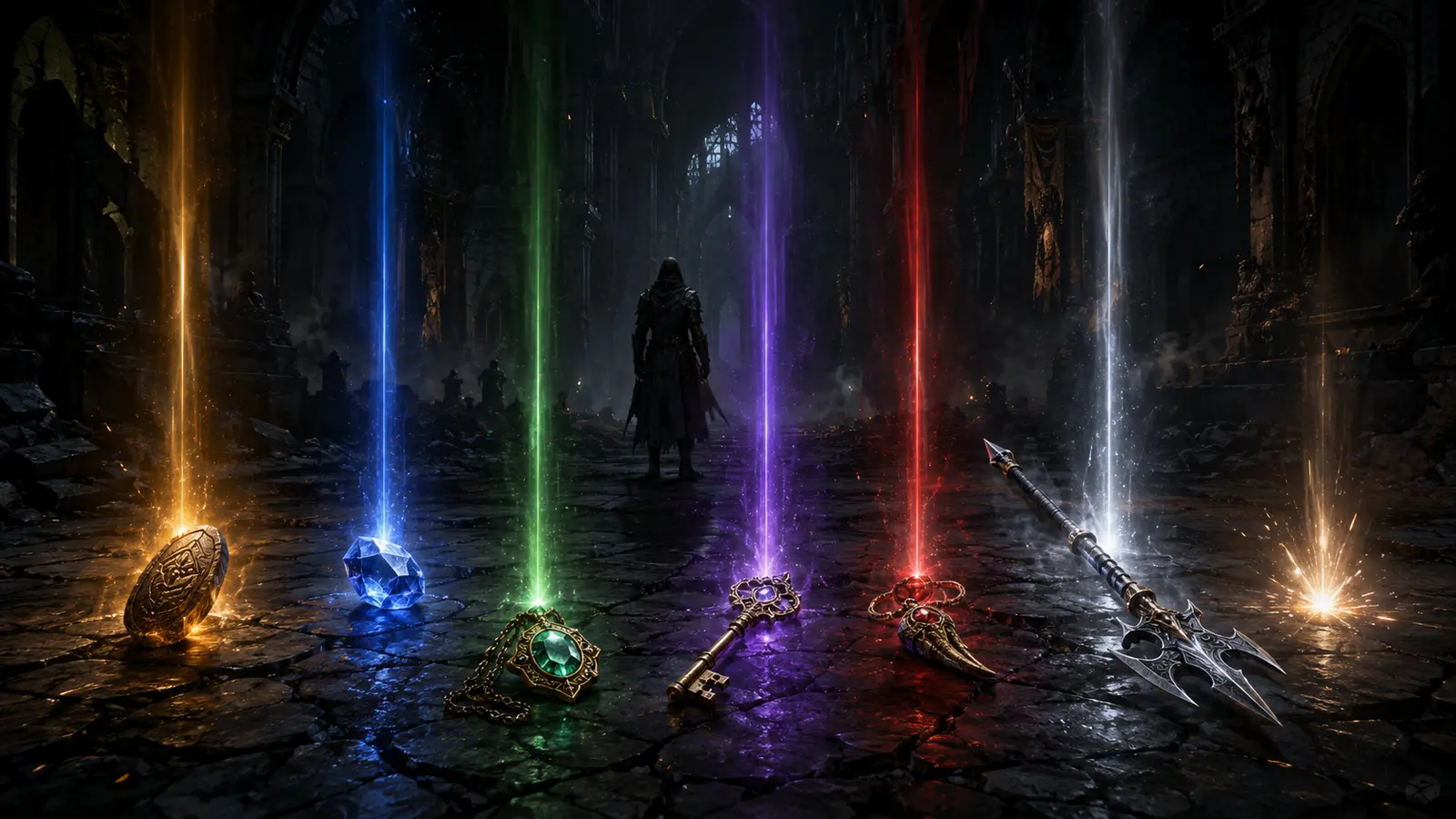
Light Pillars Expanded for D2RMM is a quality-of-life loot visibility mod for Diablo II: Resurrected that places visible light pillars over selected ground items, making valuable drops easy to spot even when item labels are buried under clutter. It expands on earlier light-pillar mods with much more precise, per-category item coverage.
Built by Finkster, this D2RMM light pillar loot visibility tool requires D2RMM and was first uploaded in September 2023, most recently reaching v1.7 on 22 February 2026, which added support for Reign of the Warlock items such as endgame shards, statues, grimoires and mage plate.
The mod enables light pillars for a wide range of item categories: gems, jewels, jewelry, runes, charms and Uber Keys, plus a large, alphabetically organized list of item base types across normal, magic, rare, set and unique variants. Version 1.7 extends this to Reign of the Warlock-specific items, including endgame shards, ancient statues, warlock grimoires and mage plate armor.
Every covered item category can be enabled or disabled individually through D2RMM’s settings interface, so players can highlight only what matters to their current build or farming route. An alternative “Item Flash Only” mode replaces the permanent pillar with a temporary light beam, which is particularly useful for items a character is actively wearing, since a permanent pillar on equipped gear can otherwise be distracting.
The official Light Pillars Expanded for D2RMM download is hosted on Nexus Mods. With D2RMM installed, extract the mod folder into the D2RMM /mods/ directory, enable it, configure which item categories should trigger a pillar, and click Install Mods before launching Diablo II: Resurrected. Players combining this with Stackable Runes or Stackable Gems should place Light Pillars Expanded above those mods in the D2RMM mod list, since the author confirms compatibility works automatically once the load order is set that way. Players who do not have Reign of the Warlock installed should disable the worldstone shard, ancient statue and warlock grimoire options to avoid a reported particle-related error.
A handful of behaviors are worth knowing rather than mistaking for bugs. Runewords built from otherwise plain items, such as a Shako carrying the Lore runeword, can end up with a permanent light pillar, since the game still treats the base item as a normal item underneath the runeword — the author has confirmed this is a game-level limitation rather than something the mod can fix. Amazon Valkyries can also trigger light pillars when they spawn wearing an enabled elite base item, which is expected behavior rather than an error. Some identified unique and set items with color-shifted textures may show overlapping textures in the inventory, and disabling the mod cleanly can require manually replacing pre-extracted data files rather than a simple toggle-off.
Light Pillars Expanded for D2RMM suits offline and modded players who want a fast, visual way to notice valuable ground drops during farming, especially runs through cluttered item piles where text labels alone are easy to miss. Its per-category toggles and Item Flash Only mode make it flexible enough for players who only want pillars on a narrow set of high-value items, rather than everything at once.
Light Pillars Expanded for D2RMM is a well-maintained, actively supported mod, with its author adding Reign of the Warlock item support promptly and responding directly to load-order and compatibility questions in the comments through mid-2026. The handful of known quirks — runeword pillars, Valkyrie triggers, occasional texture overlap — are minor and clearly explained rather than left as mysteries, which makes this an easy mod to recommend for loot-visibility farming.