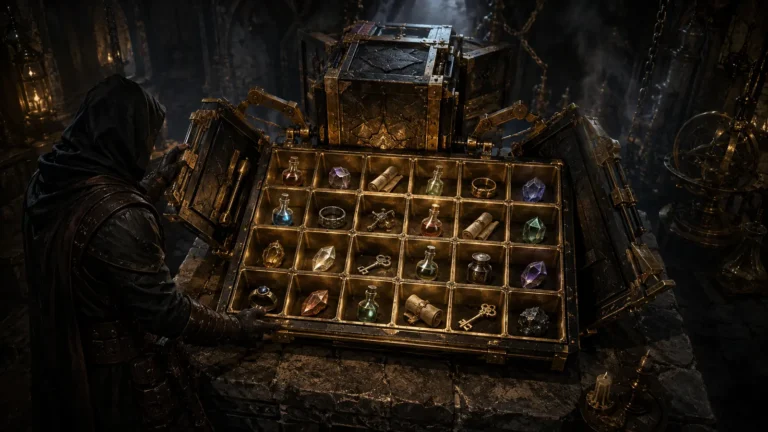
Expanded Cube (6×4) for D2RMM
A D2RMM addon that enlarges the Horadric Cube grid to six by four.
Reviewed Active
Diablo II: Resurrected D2RMM UI mod that replaces the Help screen with an in-game runewords reference panel.
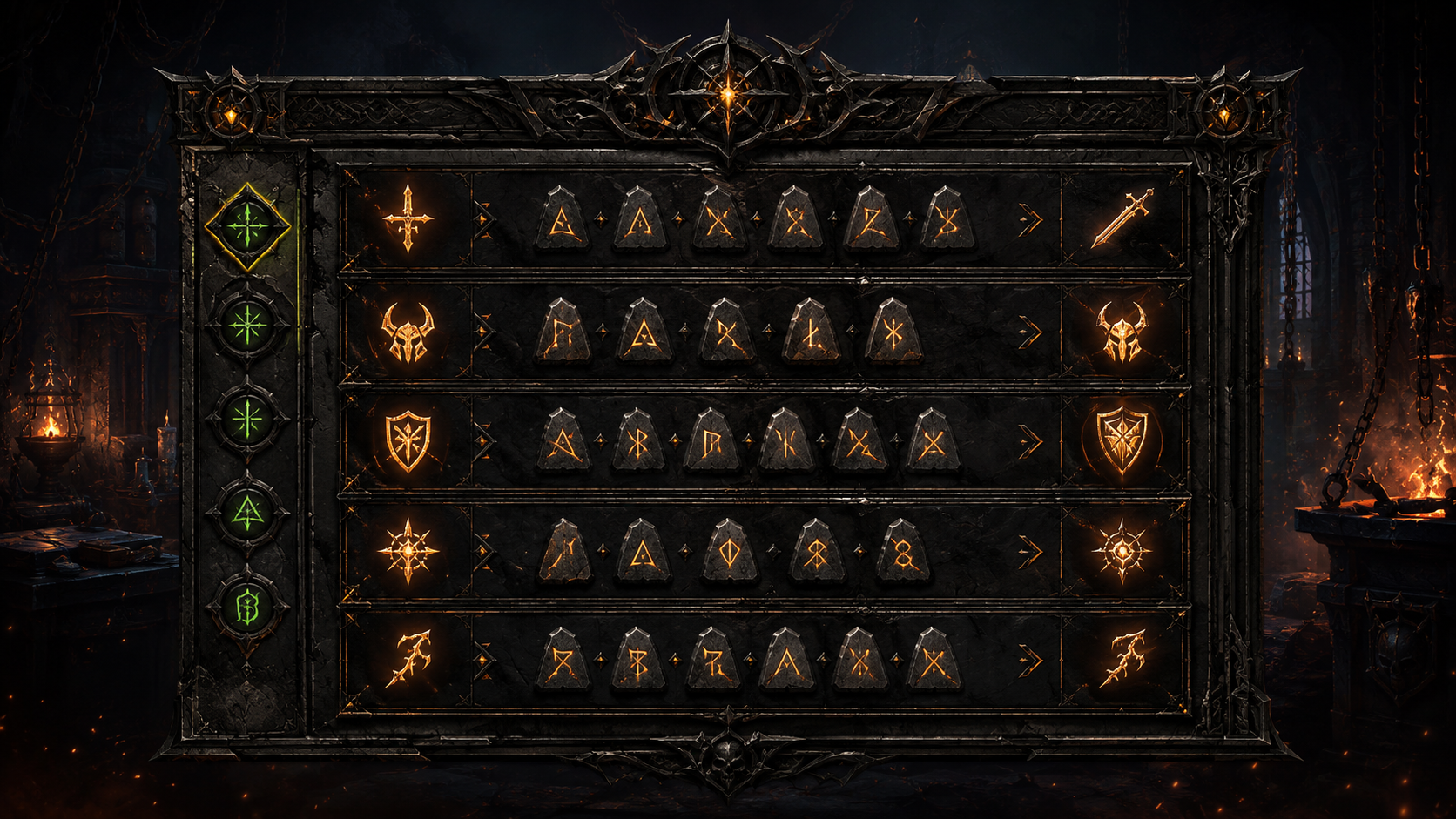
Runewords Info UI Panel for D2RMM is a focused interface addon for Diablo II: Resurrected that solves one familiar annoyance: checking rune order and eligible item bases for a runeword often means alt-tabbing to a wiki during play. The mod replaces the original Help screen with an in-game reference panel, keeping the essential information one keypress away.
The D2RMM runewords panel takes over the Help screen, opened with the default H hotkey, and turns it into a scrollable in-game runewords reference. Green notches on the scroll bar mark where the Body Armor, Shield, and Helmet sections are located, making the relevant groups easier to find. An optional Simplified Mode hides the affixes for each runeword, creating a cleaner reference view.
When the panel is used alongside other mods that add or change runewords, load order matters. D2RMM combines enabled mods during the Install Mods step, so Runewords Info UI Panel should be placed after any runeword-changing mods. This allows the panel to incorporate their entries when the final D2RMM mod package is generated.
The official Runewords Info UI Panel for D2RMM download is hosted on Nexus Mods. With D2RMM installed and configured, extract the RunewordsPanel folder into the D2RMM /mods/ directory, enable it, choose any preferred sorting options through the mod’s settings button, and click Install Mods before launching the game. The addon does not require manual replacement of game files or save-file editing.
This utility suits offline and single-player D2R characters, crafting sessions, and rune-hunting runs where checking a runeword’s requirements without leaving the game saves time. It is intended for players using a modded D2RMM setup rather than unmodified Battle.net characters. Players who already use other quality-of-life addons may find it especially useful alongside the same author’s Breakpoint and Recipe UI Panels, which cover breakpoints and cube recipes in a similar in-game reference style.
This is a narrowly scoped utility rather than a gameplay overhaul: it changes no drops, balance, or itemization, and its value comes entirely from convenience. Version 2.3 was released by Finkster on February 14, 2026, with support for updated runeword data and modded setups that follow the required load order. Players looking for broader interface or itemization tools can browse the Diablo 2 mods directory for more D2RMM addons and overhauls.