ATMA Stash to D2R Converter
Web-based converter for moving old ATMA or PlugY stash files into Diablo II: Resurrected .d2i stash format.
Reviewed Legacy
Offline native Diablo II: Resurrected save editor focused on safe character editing, validation and backups.
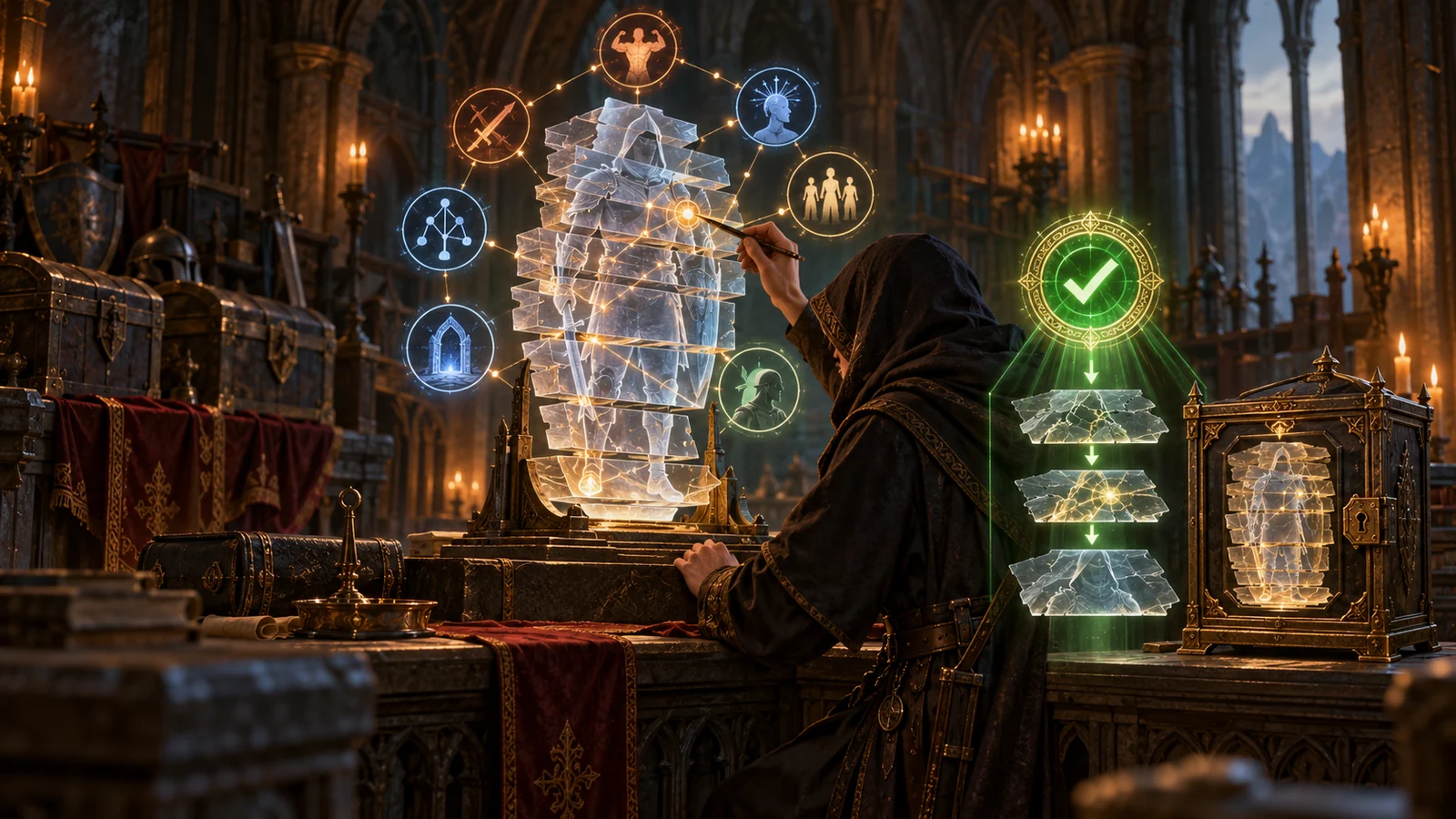
Halbu Editor is a modern, fully offline save editor for Diablo II: Resurrected. Built by feored on top of halbu, a Rust library for reading and writing D2R .d2s files, this D2R save editor focuses on safety: it validates every change, checks compatibility with the current game version, shows a review of what will be written and keeps automatic backups. Version 0.2.3 from March 2026 supports Reign of the Warlock and the new Warlock class.
The editor covers character data, attributes, skills, quests, waypoints and mercenary data. A built-in skill planner lets you test skill point distributions before committing them, and new characters can be created from templates, which is handy for testing a build at a set level without levelling it by hand. A character library lists the saves in your folder, and a status page shows technical information about each file, including parse problems in damaged or mangled saves. Version 0.2.0 separated game edition, expansion type and save version, so a character can be converted between them with compatibility checks along the way.
Most older editors write changes directly and leave it to you to notice problems. This D2R character editor takes the opposite approach. Before saving, it shows a review of every change and warns about risky edits, such as changing a character’s class or a mercenary’s type when that could affect equipped items. Validation checks catch invalid states, and an automatic backup is made before the file is written. The author also stresses graceful handling of broken saves, so the tool can open and inspect files that crash other editors. After saving, Diablo II: Resurrected has to be restarted for the changes to load.
Releases for Windows, macOS and Linux are published on the project’s GitHub releases page. Install the build for your system, open the app and point it to your D2R save folder; your characters appear in the library. Pick one, make changes in the relevant tab, open the review screen and confirm. The app avoids bundling game assets where possible, so the download stays small, and it works fully offline.
There is no item editing, so the tool cannot create, change or move items. It is also D2R only: saves from classic Diablo II 1.10 and later may open, but they are written back in D2R format, so classic files should not be overwritten. The author notes that some minion skills show incorrect values and that small rounding errors can appear in the skill calculator. Like every save editor, it is for offline characters only; online Battle.net characters are stored on Blizzard’s servers and cannot be edited.
For item editing in Resurrected, players usually turn to the browser-based D2Emu editor or the D2Runewizard editor, and the D2R Reimagined mod has its own dedicated editor. Classic LoD players need the older Hero Editor instead. If you only want to move items between characters rather than edit them, GoMule is the safer choice. Many players combine two tools: this one for character data and skills, and another for items.
Even with built-in backups, keep your own copy of the whole save folder before a large editing session, and close the game before opening files. Change one area at a time, for example skills first and quests later, and load the character in game after each step so problems are easy to trace. Avoid extreme stat values that the game would never produce naturally, because they can break balance or cause errors later. When switching a character’s class or a mercenary’s type, check equipped items afterwards, as the review screen warns. These habits apply to any D2R save editor, not only this one.
The editor suits offline D2R players who want to test builds, respec without grinding, fix quest or waypoint progress after a bug, recover a damaged save or create a test character quickly. Its review screen and backups make it a good first editor for players who have never edited saves before. Players who mainly want gear changes should pair it with an item editor.
Halbu Editor is the most careful character editor available for Diablo II: Resurrected. Validation, change review, automatic backups, quick support for Reign of the Warlock and native builds for three operating systems make it a strong recommendation for character and skill edits. The lack of item editing is its main gap, which keeps it from the very top of our scale, but for safe character work it is our first choice.