ATMA Stash to D2R Converter
Web-based converter for moving old ATMA or PlugY stash files into Diablo II: Resurrected .d2i stash format.
Reviewed Legacy
Launcher-integrated Project Diablo 2 loot filter system with public auto-updating filters from multiple community authors.
This is the official directory of community loot filters for Project Diablo 2. Instead of one fixed filter, the project’s GitHub repository lists filter profiles from community authors, and the PD2 launcher reads that list so players can choose, preview and switch filters in a few clicks. Every filter in the directory can update itself automatically each time you press Play, which keeps you on the author’s latest rules after every season change.
The repository holds a single list of filter sources. Each entry names an author and points to that author’s own GitHub repository of .filter files, and the launcher fetches the files from there. At the time of writing the list contains 18 entries, including long-running authors such as Wolfie, Kryszard, Kassahi, eqN, Erazure and HiimFilter, along with newer contributors. Filter creators join by submitting a small pull request to the list; the README explains the exact format and warns that special characters in names can break the launcher. The repository itself is published under the MIT licence and was last updated in May 2026.
Open the launcher and click Item Filter Profiles. Pick an author in the left column, choose one of that author’s filters in the right column and click Save Filter. From then on the launcher downloads the newest version of the selected filter whenever you start the game. The same window offers an Authors Page button with each creator’s notes, a Preview Filter view that shows roughly how items will look in game, and a Help link back to the official instructions. Many authors ship several strictness levels, from relaxed filters for new characters to strict endgame setups that hide almost everything except valuable drops, so it is worth reading the author page before choosing.
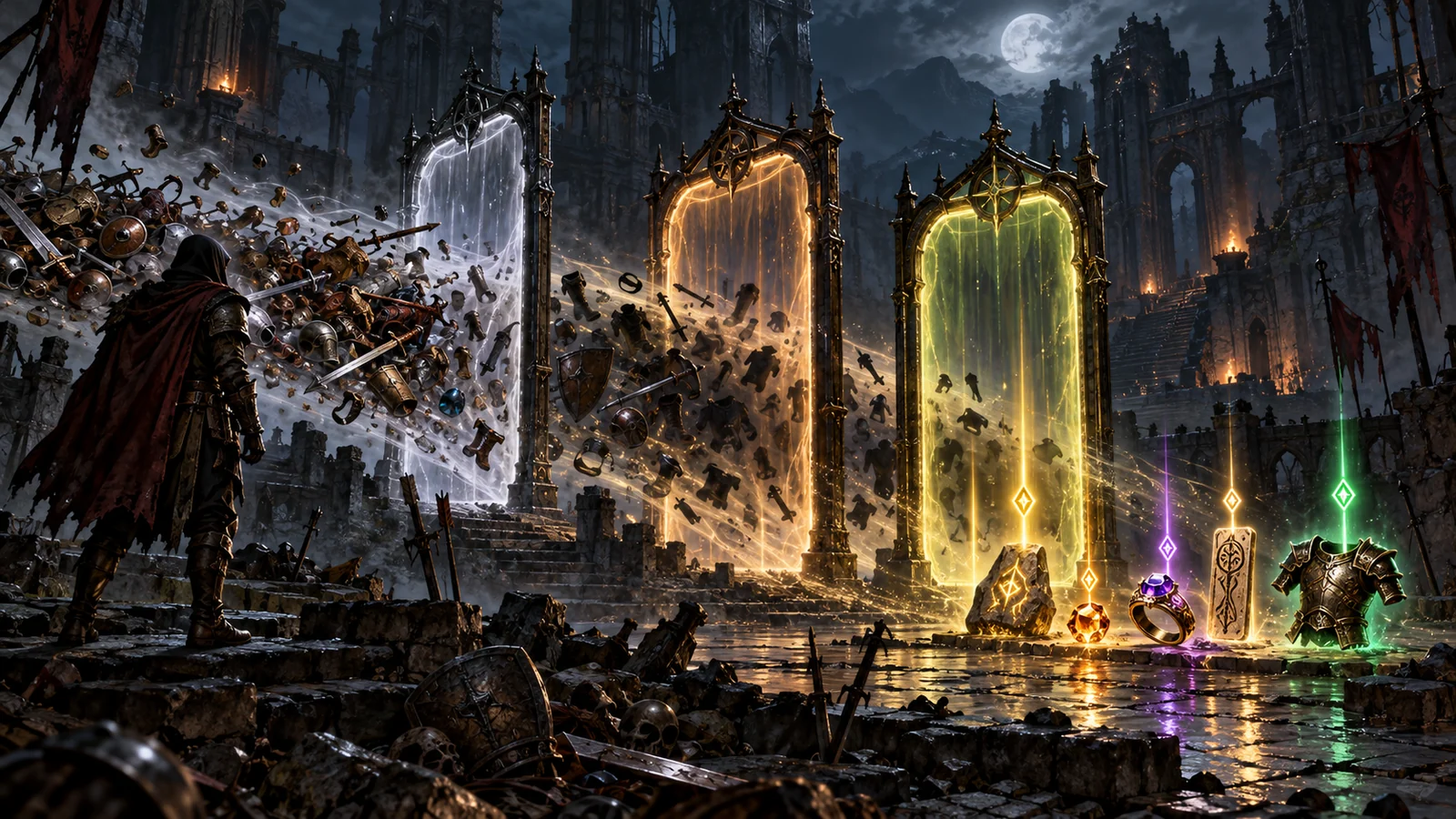
A PD2 item filter rewrites how items appear on the ground. Typical filters recolour or rename item labels, add tags such as rune numbers, socket counts or item tiers, hide low-value clutter like common potions and normal bases, and highlight valuable uniques, runes, maps and crafting materials. Many filters also add minimap markers or notifications for important drops, which makes fast map farming much easier to follow. Because each profile is written by a different author, styles vary a lot: some are minimal and close to vanilla, others are colourful and heavily annotated.
If you want to tweak someone else’s work, use Copy to Local. The launcher copies the current version into the ProjectD2\filters\local folder, where you can edit it, and you then select Local Filter in the launcher. The trade-off is that a local copy no longer receives automatic updates, so you have to merge the author’s changes yourself; the official instructions recommend staying on online filters unless you really need custom rules. To test changes before playing, the community FilterBird simulator shows how a filter will display any chosen item, which is helpful when a rule does not behave as expected.
Project Diablo 2 runs seasonal ladders, and new seasons often add or rebalance items, maps and crafting materials. An outdated filter may hide something new or fail to highlight it, which is the main reason to stay on an online profile. If a drop looks wrong after a patch, check the author page for notes first, then try another profile from the same author or a different creator for comparison. Switching takes seconds in the launcher, and nothing about your characters or stash changes when you do.
Every Project Diablo 2 player uses some filter, so the real question is which one. New players should start with a mid-strictness profile from a well-known author and switch to a stricter one once their character can farm maps efficiently. Players who return each season benefit most from the online mode, because filters change along with new items and balance updates. The system is specific to PD2 and its launcher; players on Path of Diablo use a separate set of community filters described on our Path of Diablo Loot Filters page.
This directory is one of the best-designed quality-of-life systems in any Diablo II project. A curated, open list of community filters, one-click selection in the launcher and automatic updates remove almost all of the friction that loot filters usually bring. Quality depends on each author, and local customisation means giving up updates, but for Project Diablo 2 players it is an essential part of the game and a model other projects could follow.