
ATMA Stash to D2R Converter
Web-based converter for moving old ATMA or PlugY stash files into Diablo II: Resurrected .d2i stash format.
Reviewed Legacy
Classic Diablo II / LoD .ds1 map editor for editing legacy map layouts, tiles, objects, collisions and level connections.
Win_DS1Edit is Paul Siramy’s visual map editor for classic Diablo II and Lord of Destruction. The game stores every hand-built area, from the Rogue Encampment to boss chambers and the preset pieces that random levels are assembled from, in .ds1 files, and this DS1 editor opens them with the game’s own graphics so you see the map much as it appears in play. It has been the standard tool for level work in classic mods for two decades, and the last build dates from 2011.
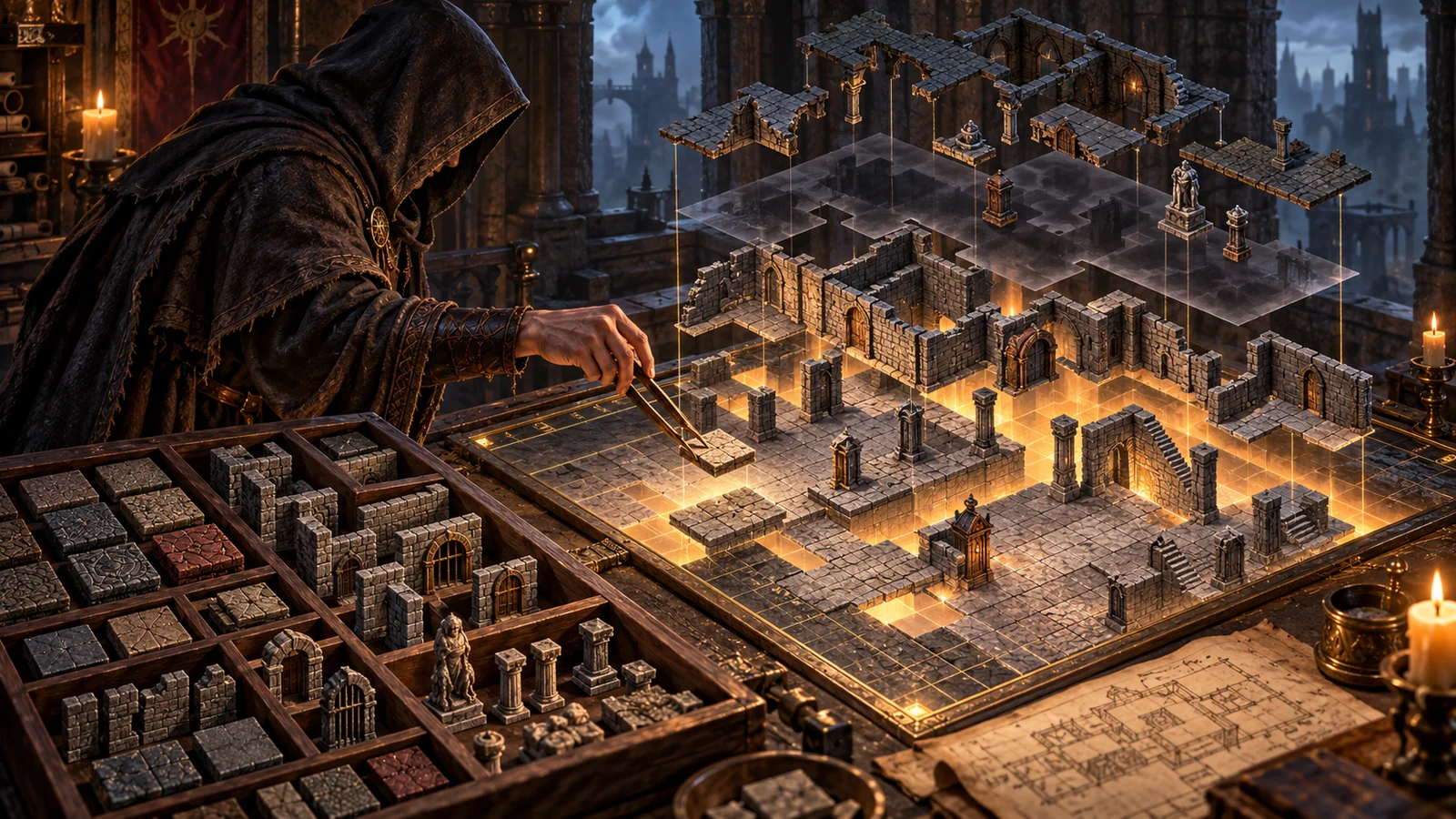
A map is made of layers, and the program lets you show, hide and edit each one: two floor layers, four wall layers, shadows, animated tiles, objects and the paths that monsters and townspeople walk. Tiles can be selected, copied, cut, pasted and deleted, with a live preview while you place them and a function that selects every identical tile on the map at once. Objects such as chests, shrines, torches, monsters and NPCs can be added, moved and changed to another type, and a waypoint path with actions can be attached to characters that patrol. Walkable and blocked areas can be shown as an overlay, which is essential when checking that a new layout can actually be crossed.
As a Diablo 2 map editor it tries to stay close to what the game renders. Zoom runs from full size down to one sixteenth for an overview of large areas, an optional grid helps with alignment, gamma can be adjusted, and two night preview modes show how the map looks in darkness. Objects are drawn almost as in the game rather than as plain markers. Up to 100 map files can be loaded in one session, arranged in ten sets of ten, which makes it practical to compare or copy between variants of the same area.
The editor needs the game’s graphics, so it works with an existing Diablo II installation; a standalone demo package is also offered for a first look. In the ds1edit.ini file, the mod directory setting must point to the folder that holds your Data directory, with tables in Data\Global\Excel and maps under Data\Global\Tiles. The program is started with three arguments: the map file, its level type ID and its preset definition number, both taken from the game’s level tables. Most people keep small .bat files for the maps they work on; the author’s first tutorial uses TownE1.ds1 with type 1 and preset 1 to open the Rogue Encampment.
Tab switches between tile mode and object mode, the space bar toggles the walkable overlay, right-click places tiles, and an expert tile dialog reached with Shift, Ctrl and right-click exposes special properties such as hidden flags. Insert adds an object. Ctrl+S saves, and the program keeps incremental backups by renaming earlier versions with numbered extensions; undo is unlimited for normal editing but not available in the expert tile dialog. To test, place the saved map in the matching folder of your mod directory and start the game with the -direct -txt options so it reads loose files.
The author’s documentation warns about a few errors that stop the game with an assertion. Level exits placed on a map must be defined in the levels table, with matching warp entries, or the game fails when it builds the level. Exits should not sit near the border of a map, because they occupy several tiles at run time. Copying and pasting between maps of different types can distort the result, since each level type uses its own tile sets. Keeping the original files and changing one thing at a time makes these problems much easier to trace.
Original map files are extracted from the game archives with Ladik’s MPQ Editor. The level tables that connect maps to areas are easier to edit in AFJ Sheet Editor, and a separate installation managed through D2SE keeps experiments away from your normal game. A wrapper such as cnc-ddraw is unrelated to the editor itself but helps when testing maps on a modern display.
The current build, dated 30 October 2011 in its file name, was published in November 2011 and is available from the author’s page together with its full source code, a README and illustrated tutorials. An older 2007 build remains online for legacy systems. There has been no development since, so expect an old-fashioned interface driven largely by keyboard shortcuts and a learning curve that the tutorials only partly soften.
This Diablo 2 map editor is for classic LoD modders who want to redesign towns, build new areas, move objects or fix preset layouts. It assumes you already understand how the level tables work. Players who only want to play mods do not need it, and it does not edit the remastered graphics of Diablo II: Resurrected.
Paul Siramy’s editor is still the reference for classic Diablo II map work: visual, precise, well documented by its author and open in source. Its age, the command-line launch, the dependence on level table knowledge and the lack of updates since 2011 place it lower on our scale than everyday tools, but for anyone serious about classic level design there is no real substitute for this Diablo 2 map editor.