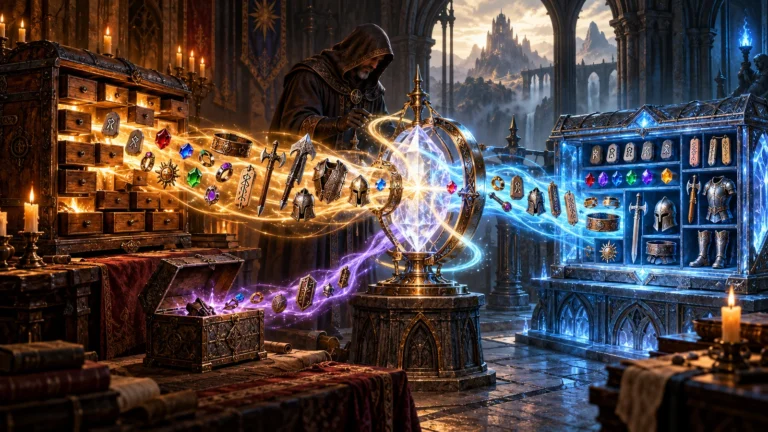
ATMA Stash to D2R Converter
Web-based converter for moving old ATMA or PlugY stash files into Diablo II: Resurrected .d2i stash format.
Reviewed Legacy
Legacy Diablo II / LoD mod manager and launcher for running multiple classic mods from one installation.
Before mod managers became common for Diablo II: Resurrected, classic Lord of Destruction modders had D2SE. Created by Seltsamuel for the Snej mod, it became the standard way to keep several classic mods and game versions on one computer without copying the whole game folder for each. It is a Diablo 2 mod manager that also handles launching, separate saves and the extra libraries many mods depend on. Version 2.2.0 is the final widely distributed release, still bundled or recommended by several long-running mods.
Each mod lives in its own folder inside the manager’s MODS directory, together with a D2SE_SETUP.ini file written by the mod author. That file tells the manager which game core the mod needs, which MPQ files and DLLs to load and which options players may change. When you choose a mod from the list, the manager loads the matching core and the mod’s files, while anything the mod does not include is taken from the clean version of that core. Your base Diablo II installation stays untouched, so switching between mods is a matter of picking another banner in the menu.
The manager can run versions 1.07 through 1.13c side by side. The setup file format lists cores such as 1.07, 1.08, 1.09b, 1.09d, 1.10f, 1.11b, 1.12a and a 1.13 core, and each mod declares exactly one. This matters because most classic mods were built for a specific patch, especially 1.10f, and cannot run on the 1.14d patch that the current Blizzard installer provides.
As a Diablo 2 mod launcher, it offers a small menu of checkboxes remembered between sessions: renderer (DirectDraw, Direct3D or Glide), windowed mode, sound off, hardcore character creation and, where the mod allows it, PlugY. Modders can enable the direct and txt command-line switches for testing. It also fixes common problems on newer Windows versions, removes the CD check and lets mods allow several single-player instances at once, which is useful for muling. Each mod gets its own save folder, its own shared stash and its own screenshot folder, so characters from different mods never mix.
Many classic mods depend on helper libraries, and the manager can load them cleanly instead of using their own loaders. Supported systems include PlugY for cores 1.09b to 1.12a, D2Mod for 1.10f, NefEx for 1.11b, D2Extra for the cores it was compiled for and the manager’s own code system. A mod can also load up to three custom MPQ files and three of its own DLLs. Resolution patches such as SGD2FreeRes list D2SE among the mod systems they work with.
Install classic Diablo II and Lord of Destruction first, then run the manager’s installer from ModDB and point it at the game folder. On Windows 10 and 11, users recommend installing outside Program Files (x86) to avoid permission problems. Copy each mod into the MODS folder as described in that mod’s guide, then start the manager and pick the mod. If a mod runs slowly, switching the renderer to DirectDraw often helps, and a wrapper such as cnc-ddraw or D2DX can improve the image on modern screens.
The setup file itself warns never to use the manager to connect to official Battle.net, because the client checksum will fail; play on Battle.net with a clean, fully patched installation instead. Some editions do not include realm support at all. It is closed-source and no longer developed, and users report occasional issues such as missing DLL files, the process staying open after exit and window focus problems. It does nothing for Diablo II: Resurrected; for that, D2RMM is the usual choice.
The manager suits players of classic LoD mods that were built for it, such as older Median XL versions or the Eastern Sun family, and anyone who wants several classic mods installed at once without duplicating the game. Mod authors targeting old cores also benefit from its clean loading of PlugY, D2Mod and other systems. Players who only run one modern mod with its own installer, or who play on 1.14d, usually do not need it.
D2SE Modmanager solved a real problem for classic modding: many mods, many cores, one installation, with separate saves and clean plugin loading. It remains the expected launcher for a number of legacy mods. Its age, closed code, lack of updates and occasional Windows quirks keep it in the middle of our scale, but for older LoD mods it is still the most practical way to keep everything organised.