Five D2RMM loot filter mods and add-ons for Diablo II: Resurrected, ranked by readability, features, compatibility, language support and maintenance.
The best D2R loot filters do not hide or change what drops. They change how drops look: colours, short labels, icons, sounds and light effects that make a valuable item stand out in a pile of junk. All five picks in this ranking install through D2RMM, so if you have never used it, start with our guide on how to install D2R mods and come back here to choose.
What a D2R item filter mod can and cannot do
A D2R item filter made for D2RMM edits the game’s text and visual files. It can recolour names, shorten long labels, add icons and pictograms, make rune drops louder or brighter and add light pillars over chosen items. None of the picks here changes drop rates or item stats: their authors leave the drop tables alone. Caleb’s author also recommends pairing his mod with the game’s own loot filter: let the game hide clutter, then let the mod make the rest easier to read.
Pick by what you need
- A clean, readable screen: Clean Loot Filter (RoTW), with icons on nearly every item and short glyphs instead of long quality prefixes.
- The most features in one package: Caleb’s Loot Filter, which adds high rune effects and sounds, larger clickboxes and several interface extras.
- A light touch: D2R Simple Loot Filter, which mostly recolours and relabels text, for example ID and TP for scrolls.
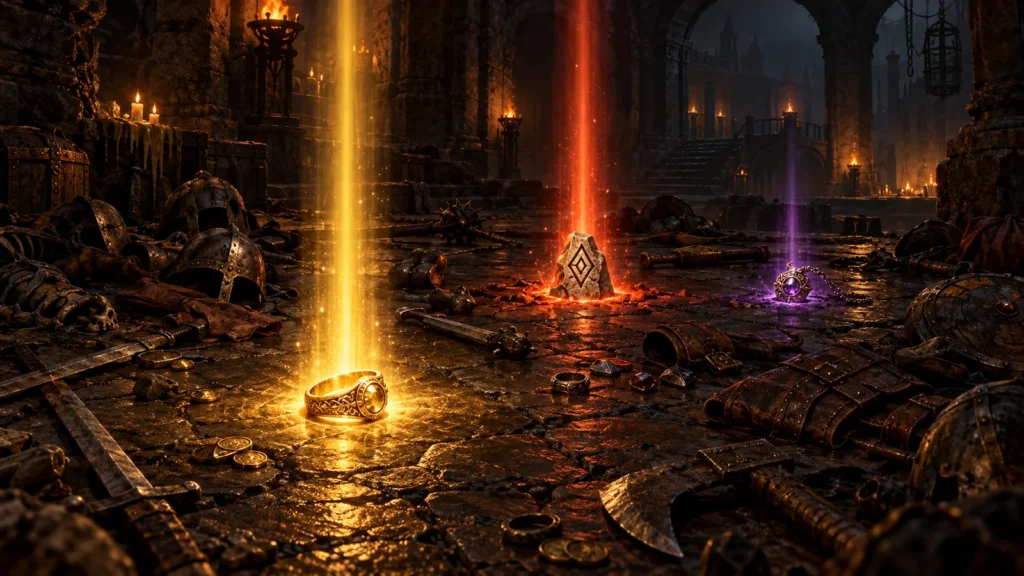
- Never missing a drop: Light Pillars Expanded, which puts a visible pillar of light over the items you choose, even when labels are hidden.
- Judging bases quickly: Show Item Level, which adds the item level to the name.
Readable D2R item labels in every language
Some filters break text in languages other than English, which matters if you play in Russian, Korean or Polish. Clean Loot Filter lists eleven supported languages, and its author started the project because other filters broke Russian item names. Caleb’s supports all thirteen languages of the game, as well as controller input and Large Font Mode. Clear D2R item labels in your own language are often the deciding factor between the top two picks.
Combining filters and load order
Use one full filter at a time: Clean, Caleb’s and Simple all edit the same text files, so running two of them gives unpredictable labels. Smaller add-ons combine well. A few rules from the authors and players:
- Clean Loot Filter must sit at the top of the D2RMM list. It works with Light Pillars Expanded, and with overhauls such as D2R Reimagined when it loads after them.
- Caleb’s needs the separate Settings Font Fix mod, and its author expects it to break alongside D2R Reimagined.
- Light Pillars Expanded should load above Stackable Runes and Stackable Gems.
- Players have reported that D2R Simple Loot Filter can push the stash display off-screen next to Expanded Stash.
Online play
The authors of Clean, Caleb’s and Simple describe their filters as usable online, launched with -mod D2RMM -txt, because they only change text and visuals. That is the authors’ position, not Blizzard’s: the game does not officially support modified files on its servers, so playing online with any mod is at your own risk.
Older and server-specific filters
Caedendi’s Extended Loot Filter was once a popular choice, but its author has said there is no time to update it for Reign of the Warlock, so it is not ranked here. The original D2R Simple Loot Filter from 2021 has been replaced by the maintained version above. Players on classic community servers use different systems altogether: see PD2 Loot Filters and Path of Diablo Loot Filters.
How this ranking is kept current
The order follows the criteria in the methodology note: support for the current game version, readability, features, compatibility with other mods and how actively each project is maintained. Loot filters break more often than most mods after a game patch, so the list is checked whenever D2R or D2RMM updates, and corrections can be sent through the Corrections page.
Methodology
Ranked editorially from each mod’s Nexus Mods page, changelog and user reports, not from hands-on benchmarks. Criteria: support for the current game version including Reign of the Warlock, readability of labels and icons, features, language support, compatibility with other D2RMM mods and recent maintenance. The order reflects fit for a typical player, not the catalog score.
-
Rank 1 · Mod
Clean Loot Filter (RoTW)
Best Overall
Icons on nearly every item, short glyphs instead of long quality prefixes and broad colour options, without touching drop rates. Built for Reign of the Warlock, supports eleven languages and works with Light Pillars Expanded and with overhauls such as D2R Reimagined when loaded after them. Must sit at the top of the D2RMM list.
View details → -
Rank 2 · Mod
Caleb’s Loot Filter (D2RMM)
Most Features
The richest package: colour-coded labels with pictograms in tooltips and item links, distinct effects, sounds and larger clickboxes for high runes, plus interface extras such as an experience bar and a cube recipe panel. Supports all thirteen game languages. Needs the separate Settings Font Fix mod and is expected to break alongside D2R Reimagined.
View details → -
Rank 3 · Mod
D2R Simple Loot Filter (Warlock Update – MP Compatible)
Best Lightweight Filter
The most endorsed filter here and a maintained continuation of the 2021 original: it recolours and relabels text, such as ID and TP for scrolls, and was updated for the Warlock expansion. Reported issues include a stash display conflict with Expanded Stash and modifier colours leaking into gem and rune descriptions.
View details → -
Rank 4 · Mod
Light Pillars Expanded for D2RMM
Best Companion Add-on
Not a full filter but the best partner for one: a pillar of light, or a short beam and flash, over the items you choose, visible even when labels are hidden by clutter. Load it above Stackable Runes and Stackable Gems, and players without the expansion should switch off the expansion-only options.
View details → -
Rank 5 · Mod
Show Item Level for D2RMM
Best for Judging Bases
A small, widely used add-on that writes the item level into the item name, with options per category. It answers the question every base hunter asks before socketing or rolling an item, and combines with any of the filters above.
View details →