ATMA Stash to D2R Converter
Web-based converter for moving old ATMA or PlugY stash files into Diablo II: Resurrected .d2i stash format.
Reviewed Legacy
OpenGL graphics wrapper for Diablo II / LoD that improves modern PC compatibility, rendering and visual quality.
D2GL is a Diablo 2 OpenGL wrapper for classic Diablo II and Lord of Destruction. It translates the game’s old Glide and DirectDraw calls into OpenGL, which makes the game run more reliably on modern hardware and operating systems, fixes several window and cursor problems and adds optional visual upgrades such as shader upscaling, high-definition text and an unlocked frame rate. D2GL is free, open source under GPL-3.0 and works with a wide range of LoD patches.
The wrapper sits between the game and your graphics card and takes over rendering. Switching between windowed and fullscreen mode becomes instant with Alt-Enter, and the usual issues of classic Diablo II on current Windows, such as wrong window sizes, stuck cursors and slow mode changes, largely disappear. Almost every setting can be changed while playing through an in-game options menu opened with Ctrl+O, so there is no need to restart the game to compare looks. Settings are stored in a d2gl.ini file, and a separate configuration can be loaded for each game instance.
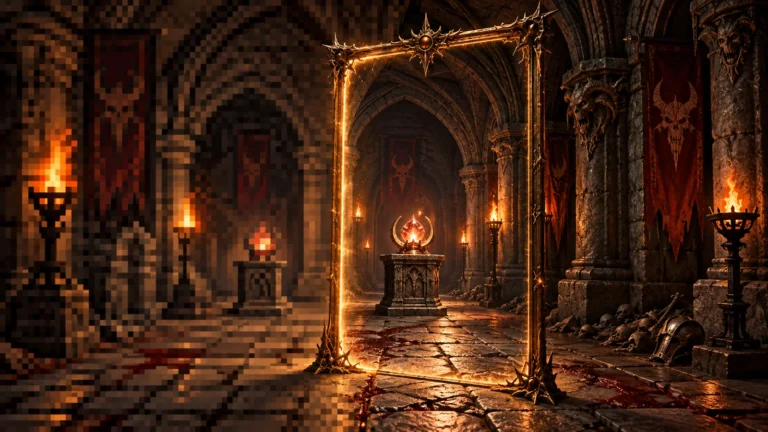
Visual options are where the tool stands out. It includes RetroArch slang shaders from the libretro project for upscaling the original image to higher resolutions, from sharp pixel scaling to softer CRT-style looks. Text, the cursor and some interface parts can be switched to high-definition rendering, and HD text supports English, Spanish, German, French, Italian, Japanese, Korean, Chinese, Polish and Russian. The frame rate is unlocked in game and raised to 45 fps in menus, and a modified version of the D2DX motion predictor smooths units and weather, working best with v-sync on. Post-processing effects such as colour LUTs, sharpening and FXAA round out the package.
Releases are published on the project’s GitHub releases page; the latest version is 1.3.3 from January 2024. Extract the archive into the Diablo II folder and turn off any compatibility mode on Game.exe and Diablo II.exe. Starting Game.exe normally runs the DirectDraw wrapper (except on 1.14d), while starting it with -3dfx uses the Glide wrapper; do not combine -3dfx with -w. Patch 1.14d dropped software rendering, so on that version skip ddraw.dll and use the Glide mode. For widescreen, add the SGD2FreeRes resolution mod and load it through the load_dlls_late setting in d2gl.ini. The author warns against using any custom wrapper on official servers such as Battle.net, where it can lead to a ban.
The wrapper supports more patches than most alternatives: LoD 1.09d, 1.10f, 1.11, 1.11b, 1.12a, 1.13c, 1.13d and 1.14d. It runs on Windows 7, 8, 10 and 11, on Linux through Wine, Proton or Lutris, and on macOS through Wine-based CrossOver, with a GPU that supports OpenGL 3.3. The project lists tested compatibility with PlugY 14.03, SGD2FreeRes, BaseMod, BH Maphack and the d2fps smoothing mod, which it detects automatically. Community forks cover D2SE and Median XL. It has no role in Diablo II: Resurrected, which uses its own modern engine.
D2GL fits players who want more visual control than a simple scaler offers, anyone running classic Diablo II on Linux or a Mac through Wine, and players on patch versions such as 1.10f or 1.11b that other wrappers support only partly. Players who just want a quick, minimal fix may prefer D2DX or cnc-ddraw, and trying each takes only a few minutes because every wrapper installs as a few files. When reporting problems, the author asks for logs created with the -3dfx -log options.
Start with the default settings and change one thing at a time in the Ctrl+O menu, so it is clear which option causes a change in look or performance. If the picture looks too soft, switch to a sharper shader; if motion feels uneven, turn v-sync on before adjusting the frame limiter. Keep a copy of d2gl.ini once you are happy with it, because the same file can be reused on another installation. Players who already use D2DX should remove its glide3x.dll first, since only one Diablo 2 OpenGL wrapper or Glide wrapper can be active in the game folder at a time.
D2GL is the most feature-rich graphics wrapper for classic Diablo II. Wide patch support, Wine compatibility, in-game settings, HD text and shader upscaling make it a strong choice, especially for modded and non-Windows setups. It has not received a release since January 2024 and has more options to understand than simpler tools, which keeps its score moderate, but it remains a capable and stable way to modernise LoD.